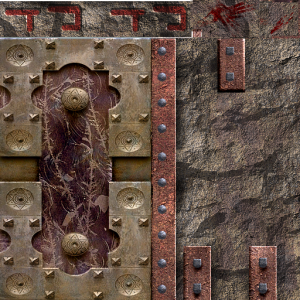
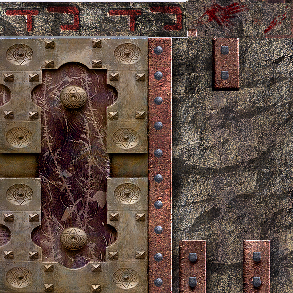
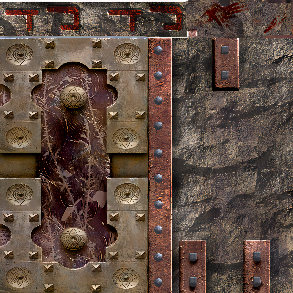
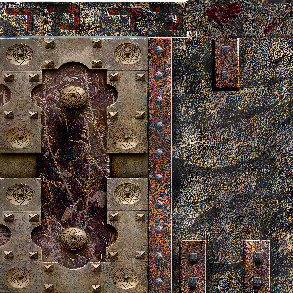
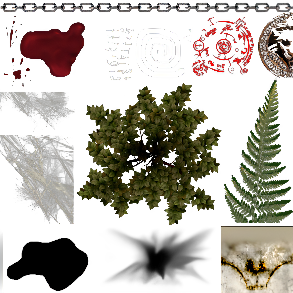
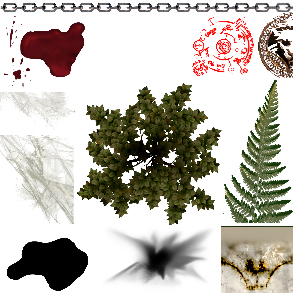
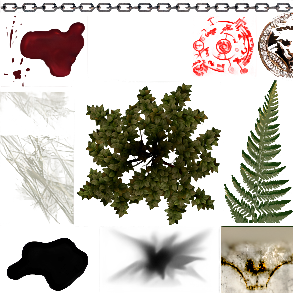
Doing 3rd phase:
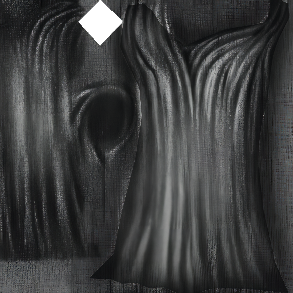
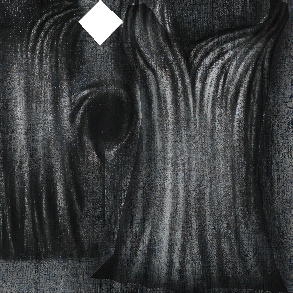
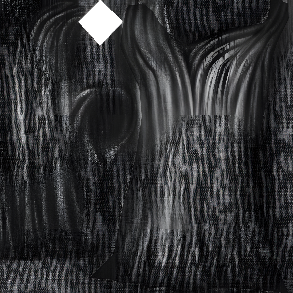
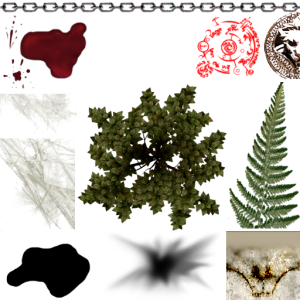
We'll run the Cupscale on the entire image set twice using the first two models, and pick the best images from each. The DDS images already have gone through a pass of 1x_artifacts_bc1_free_alsa (thanks Loinne!)
The models compared below:
Comparisons (note of course there may be transparency lost):
| Filename | Original (scaled up here if needed) | 4x_ESRGAN | 4x_BSRGAN | 4x_RealSR_DF2K_JPEG | realesrgan-x4plus | Jasperre's Winner |
|---|---|---|---|---|---|---|
| is_harm |
|
|
|
|
| BSRGAN is the most similar to the original scaled up - no smiling face. |
| ief_abildecr |
|
|
|
|
| BSRGAN. Crisp "human" model and downward arrow, although possibly loses a bit of the red in general. |
| isk_movsilent |
|
|
|
|
| BSRGAN or realesrgan-x4plus both look suitable, the former keeping the colour palette a bit better. |
| dr_03 |
|
|
|
|
| Click to zoom in - large files! BSRGAN by a chunk, the JPEG one keeps a lot of the artefacts. The colours are best retained in BSRGAN too. Note the original file was TGA so no DDS artefacts to cope with. |
| iashlw_011 |
|
|
|
|
| The 4x_RealSR_DF2K_JPEG approach works well - it really brings the details of scratches and the crispness to the image and will look good in game. |
| cloak_001 (layer 4) |
|
|
|
|
| BSRGAN keeps it simple and effective. There are some odd subtle but noticeable changes in colours from greyscale in them too which we might need to account for (less so on BSRGAN). |
I went through and removed 518 files totalling 918MB of PNGs (pre-DDS) since they're pretty much:
Some files removed due to taste, some GUI things scale weirdly.
Also some bugs in my process! Such as icons not doing transparency properly so this is odd and needs to be fixed. Weirdly the PNGs look fine.
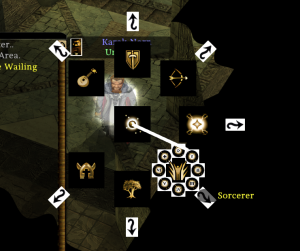
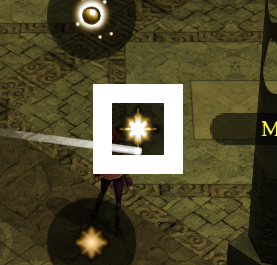
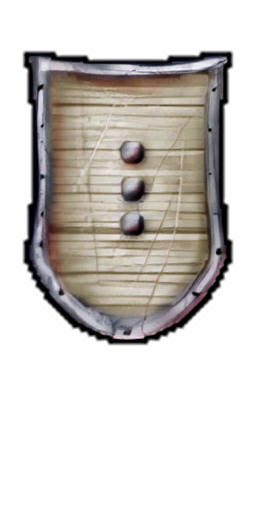
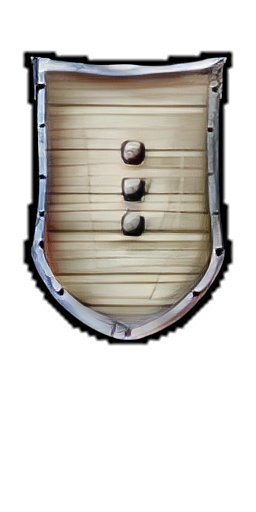
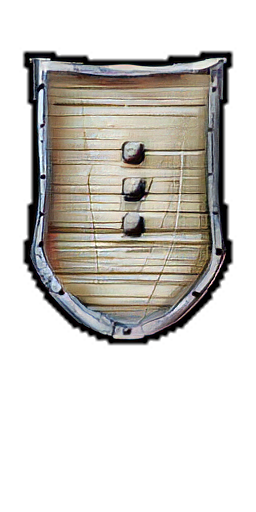
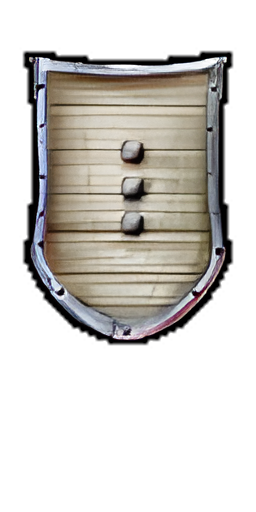
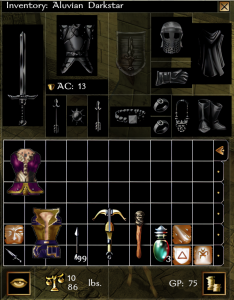
The blank Inventory icons (except the shield?) looks odd. The inventory is also now black instead of transparent and the lines are thicker. This seems to be from converting TGA's to PNGs not an issue with the upscaler as such, but need to test after redoing from source TGA files.
| Texture Name | Notes |
|---|---|
| gui_rgbc | "Reg Green Blue Clear" presumably. Used in model gui_walk.mdl and other GUI things and scaling makes the colours overlap so it messes up the base "select/attack" models. It also alters health bars and the like I think. Man the GUI files are a mess. |
| gui_boxes | Box outlines do not scale well, and in fact probably don't need scaling they're so small. May be able to upscale manually if it's really warranted. |
| gui_boxes_chargen | Same as above |
| gui_boxes_chsht | Same as above |
| gui_boxes_dialog | Same as above |
| gui_boxes_ingame | Same as above |
| gui_boxes_pregam | Same as above |
Lots of crashes - because of course NWN is ancient and sometimes hates things. Things noted here:
Whole list of these! Egad so many that if present can even make other ones buggy (DDS overrides PLT!). To follow, but also removing ones that are not used by the game ("TEMP" icons for instance) or are buggy (GUI boxes above) saves even more time.
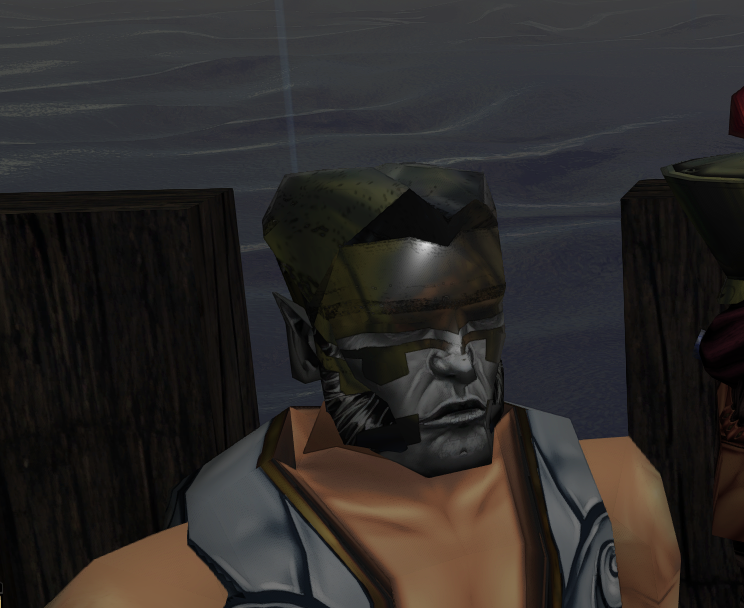
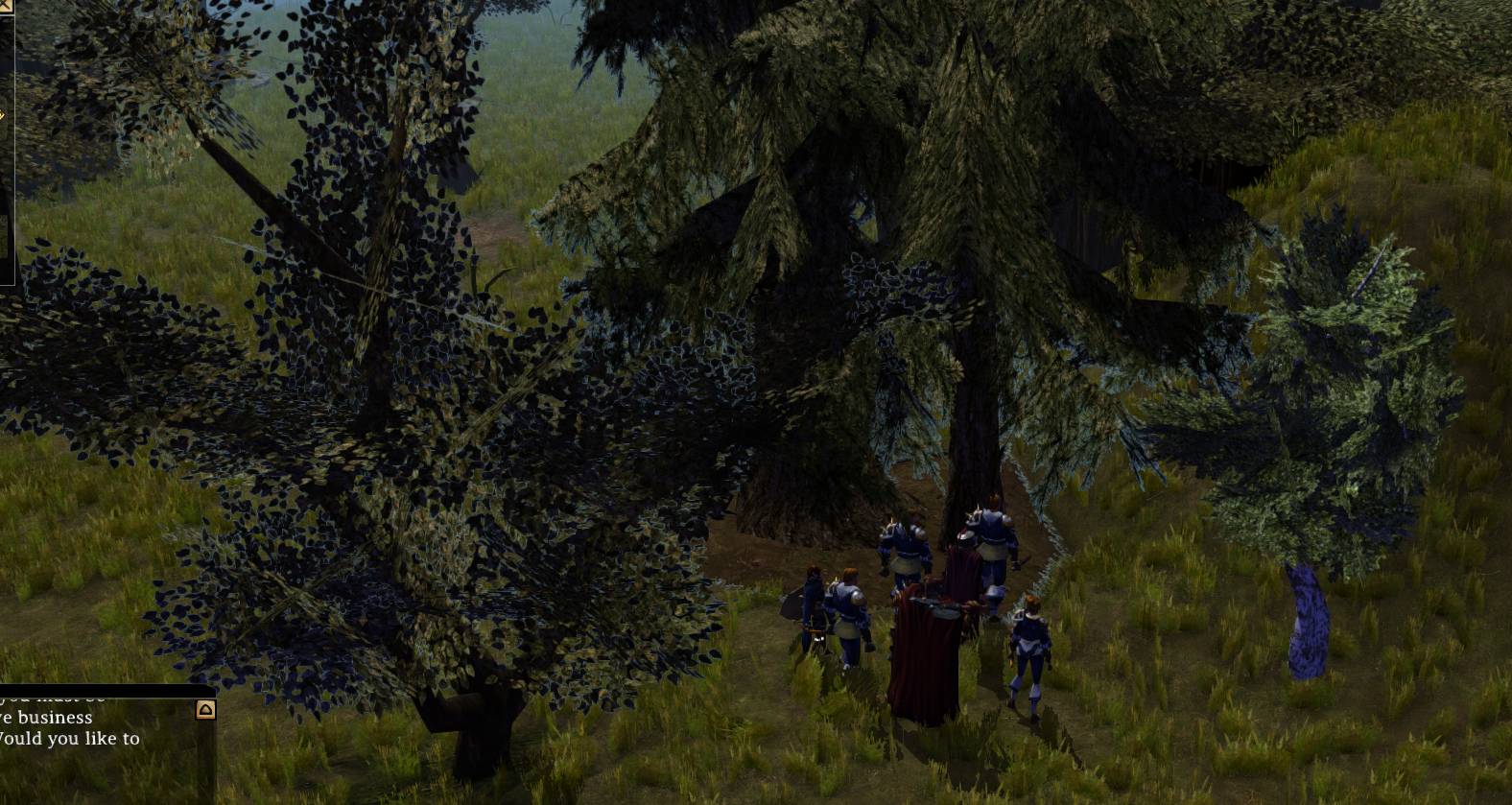
trm02 textures and even usual rural is a bit buggy; alpha is probably the issue - try Test Phase 2 options for Alpha modes perhaps.
Doesn't affect all things with transparency oddly!
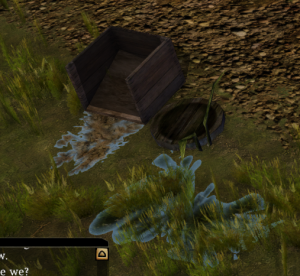
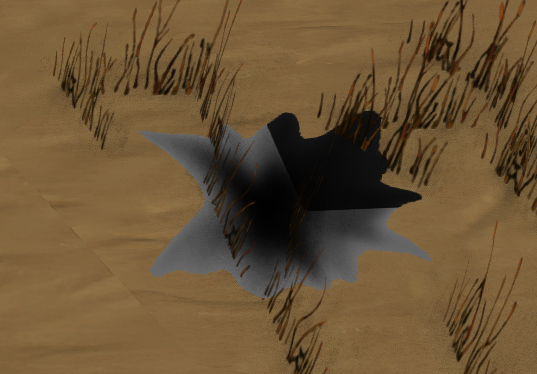
Testing on a multi-use texture plc_trans.tga used for blood and other things. This has to use the base ESRGAN (Pytorch) for the transparency options.
All are using 4x_BSRGAN model in Cupscale 1.39.0.
Note Alpha Depth of Binary or Tertiary just cuts a load of alpha out. Don't use for the blood one. Might work better when we want to eliminate the "white edges" in grass and leaves above since it leaves a hard edge in the final result.
| File | Source | Alpha Mode 1 (Differential Alpha) Alpha Depth Full (8-Bit) | Alpha Mode 2 (Separated Alpha) Alpha Depth Full (8-Bit) | Alpha Mode 3 (Channel Alpha) Alpha Depth Full (8-Bit) | Notes |
|---|---|---|---|---|---|
| plc_trans.tga |
|
|
|
| More obvious inside of Cupscale (with the squares background). Mode 1: This removes a lot of the left hand "web" which is messy. |
Looks weird - transparent! Edit: Found the issue (or at least what it could be) the TGA source I used was beta files which were altered for Final. Probably should redo the TGA source using the game TGA if it is the highest (or equal highest).
Oddities...
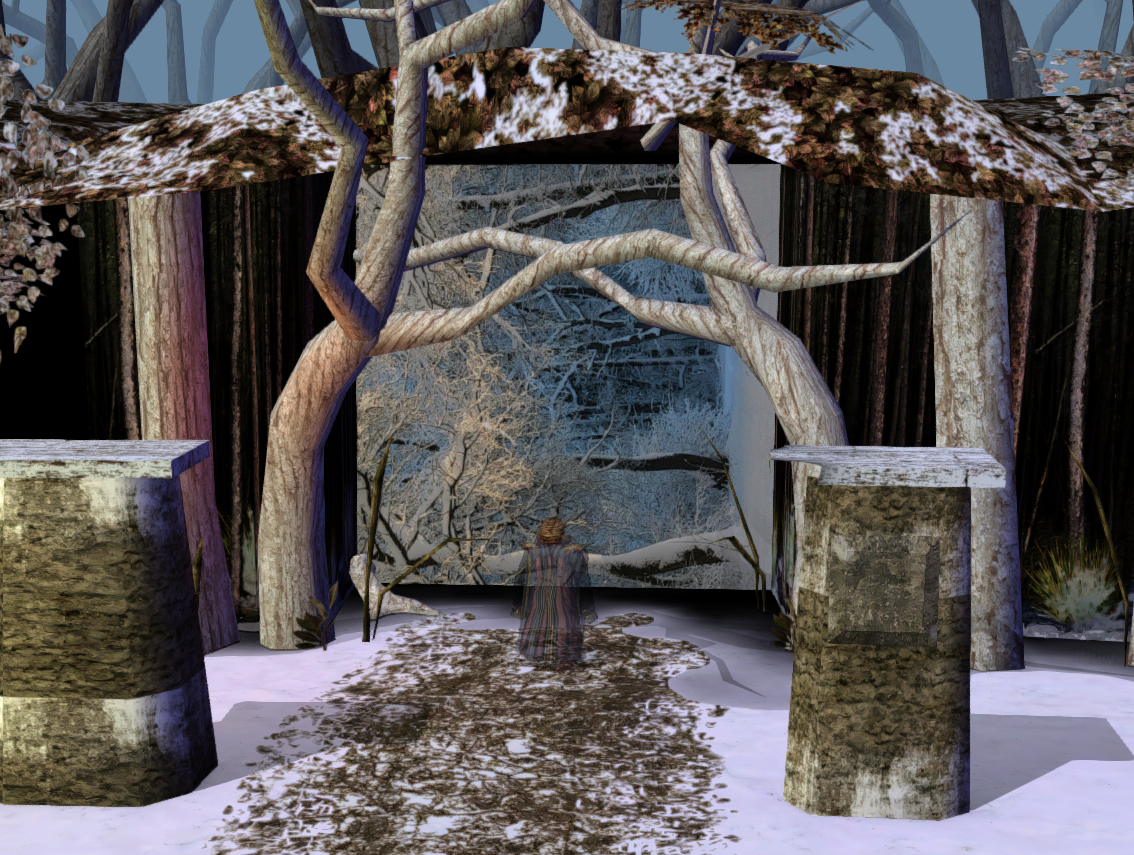
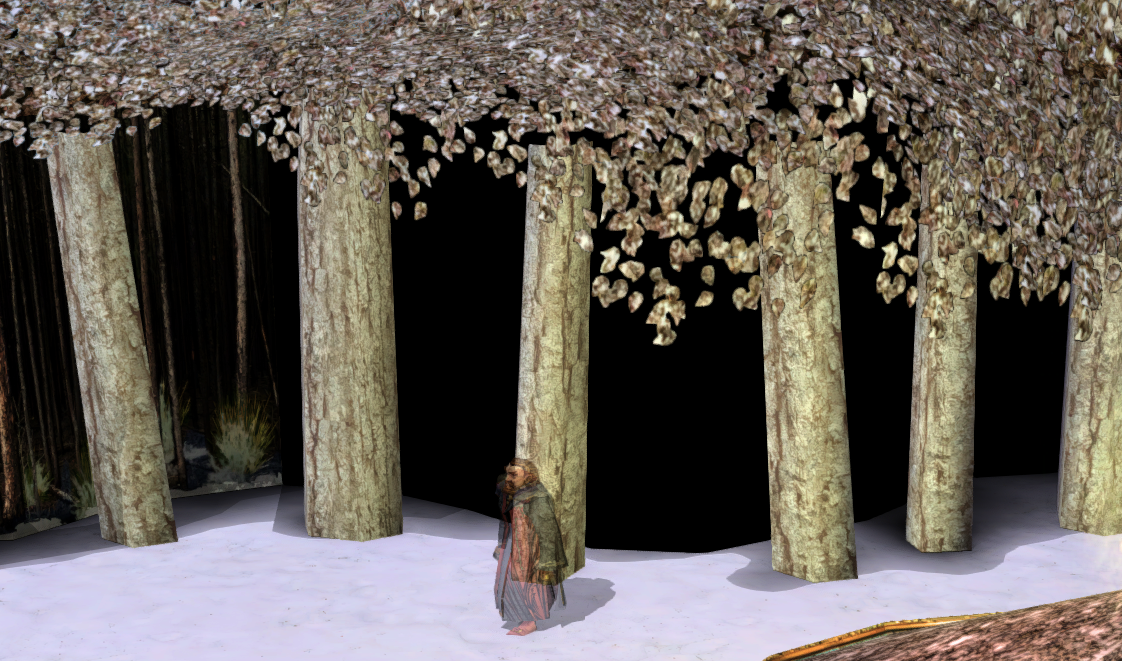
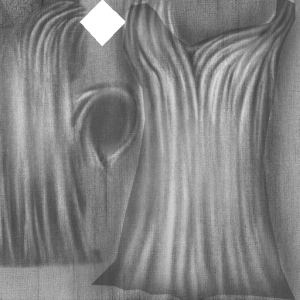
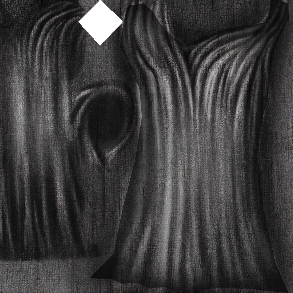
The DDS → TGA in crunch does not flip the file. This means when doing (intermediary upscaled PNG) → DDS you do the opposite of your other textures. The results need to be "upside down" when the DDS file is viewed. It causes some wild issues otherwise, of course!
Distorted textures cannot exceed 256x256 resolution apparently - needs fully testing since one "shinywater" below is bigger than 256 already  This is the TXI option "distort 1". This means primarily water but also other things like lava! Also look out for "arturowidth" and "arturoheight"
List of files:
| TXI file name / Texture Name | Original Size | Resized Size | Action |
|---|---|---|---|
| c_air_skin | 64x64 | 256x256 | Should be fine |
| c_water_skin | 128x128 | 512x512 | Remove, or need to downsize it |
| fxpa_globe | 64x64 | 256x256 | Should be fine |
| fxpa_globe2 | 64x64 | 256x256 | Should be fine |
| fxpa_spellturn | 64x64 | 256x256 | Should be fine |
| pdag_prt2 | 128x128 | 512x512 | Remove, or need to downsize it |
| pdag_prtl | 256x256 | 1024x1024 | Remove from pack |
| shinywater | 512x512 | 2048x2048 | Remove from pack. Not even sure how this works in the original game! |
| tbw01_water01 | 256x256 | 1024x1024 | Remove from pack |
| tcm02_water01 | 256x256 | 1024x1024 | Remove from pack |
| tcn01_water01 | 256x256 | 1024x1024 | Remove from pack |
| tde01_lava01 | 256x256 | 1024x1024 | Remove from pack |
| tdm01_water01 | 256x256 | 1024x1024 | Remove from pack |
| tdr01_e_wat01 | 256x256 | 1024x1024 | Remove from pack |
| tds01_water01 | 256x256 | 1024x1024 | Remove from pack |
| tdt01_water01 | 256x256 | 1024x1024 | Remove from pack |
| tic01_water01 | 256x256 | 1024x1024 | Remove from pack |
| tin01_water02 | 256x256 | 1024x1024 | Remove from pack |
| tm_tcnwater01 | 256x256 | 1024x1024 | Remove from pack |
| tm_tnowtsea01 | 256x256 | 1024x1024 | Remove from pack |
| tm_trmwater01 | 256x256 | 1024x1024 | Remove from pack |
| tm_ttzwater01 | 256x256 | 1024x1024 | Remove from pack |
| tni01_water02 | 256x256 | 1024x1024 | Remove from pack |
| tni02_water02 | 256x256 | 1024x1024 | Remove from pack |
| tno01_water01 | 256x256 | 1024x1024 | Remove from pack |
| trm02_water01 | 256x256 | 1024x1024 | Remove from pack |
| trs02_water01 | 256x256 | 1024x1024 | Remove from pack |
| tsw01_fog01 | 256x256 | 1024x1024 | Remove from pack |
| tsw01_molten01 | 256x256 | 1024x1024 | Remove from pack |
| tsw01_water01 | 256x256 | 1024x1024 | Remove from pack |
| ttd01_water01 | 256x256 | 1024x1024 | Remove from pack |
| ttf01_water01 | 256x256 | 1024x1024 | Remove from pack |
| ttr01_water01 | 256x256 | 1024x1024 | Remove from pack |
| tts01_water01 | 256x256 | 1024x1024 | Remove from pack |
| tts02_water01 | 256x256 | 1024x1024 | Remove from pack |
| ttu01_water | 256x256 | 1024x1024 | Remove from pack |
| ttz01_water01 | 256x256 | 1024x1024 | Remove from pack |
| twc03_wtsea01 | 256x256 | 1024x1024 | Remove from pack |
| vdu_tex_shade | 64x64 | 256x256 | Should be fine |
Note I also removed basically all the "txxXX_water" files - just in case!
Don't use DDS without mipmaps will crash - all mine have mipmaps mind you, even ones that don't really need it (icons for instance don't need mipmaps, the game has them at a set distance always on the GUI for maximum quality, but hey why not).
The smaller the portrait the worse the upscale of course, the tiny ones turn out rather awful. So the easiest way is to redo the top biggest one and the others just reuse.
For creatures:
| Portrait Size | Original Size | 4x Size | Option to do |
|---|---|---|---|
| Huge (h) | 256x512 canvas; upper 256x400 used | 1024x2048 | Keep since highest quality upscaled version |
| Large (l) | 128x256 canvas; upper 128x200 used | 512x1024 | Downscale 1024x2048 or reuse the 1024x2048 one for this (retain maximum quality then! H is only used at char select, M is used on character sheet etc.) |
| Medium (m) | 64x128 canvas; upper 64x100 used | 256x512 | Reuse original h file |
| Small (s) | 32x64 canvas; upper 32x50 used | 128x256 | Reuse original l file |
| Tiny (t) | 16x32 canvas, upper 16x25 used | 64x128 | Reuse original m file |
For placeables since they lack H and L (mostly! there are 1 or 2 that have them, perhaps since the portraits are reused on creatures for some reason).
| Portrait Size | Original Size | 4x Size | Option to do |
|---|---|---|---|
| Medium (m) | 64x128 canvas; upper 64x100 used | 256x512 | Keep since highest quality upscaled version |
| Small (s) | 32x64 canvas; upper 32x50 used | 128x256 | Resize M version by / 2 each dimension, to be new s (or we do the s file) |
| Tiny (t) | 16x32 canvas, upper 16x25 used | 64x128 | Reuse original m file |
Oddities for the different options below:
Can remove:
Okay this is pretty simple now with Symmetrics tooling:
Outcomes:
Looks great this bit!
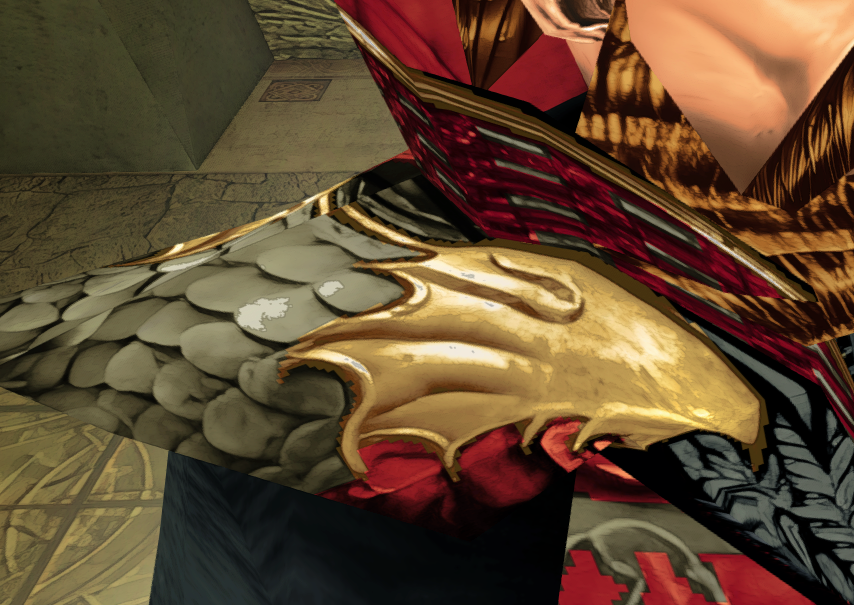
Bit blocky on the colour front here;
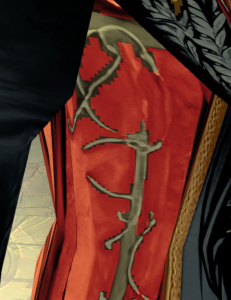
Symmetric is a god and may be able to add some basic magic to smooth it out a bit.