-
Created by
 Jasperre, last updated on Dec 29, 2023
3 minute read
Jasperre, last updated on Dec 29, 2023
3 minute read
Some notes on editing icons for the NWN style. Shouldn't need general/DM/Emote icons.
Existing Icons Info
| Name | Icon | Rough HTML Code | Notes |
|---|---|---|---|
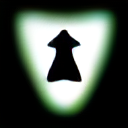
Feat Domain |
| 7da8d1 | White and black contrast White fading into blue Domains are similar although just a different more square design with a rounded black border and the background is two toned blue. |
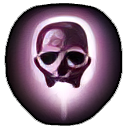
| Spell |
| 8b7486 (more drab) or 7c5574 | Similar contrast to feats Purple-ish colouring |
| Spell Scroll |
| White version applied to the scroll icon | This is the spell icon but made into a white form. Black is transparent. |
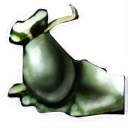
| Skill |
| Green similar to Good Effects | |
| Good Effect |
| Project hasn't made these transparent (yet) | |
| Bad Effect |
| Project hasn't made these transparent (yet) | |
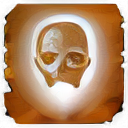
| Class |
| Golden yellow |

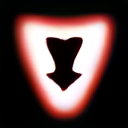

Colouring Icons
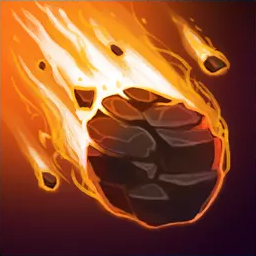
To edit a image to a certain colour first greyscale it (Colours → Desaturate → Mono Mixer).
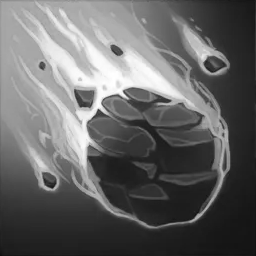
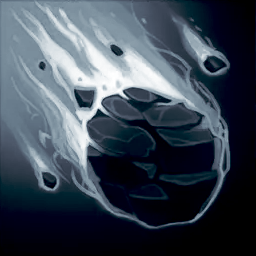
Then a rough 60% opacity Burn use of the Fill tool. Tweak to fit.
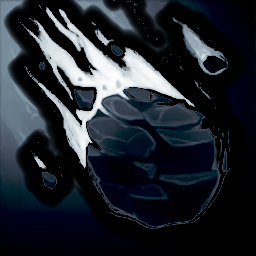
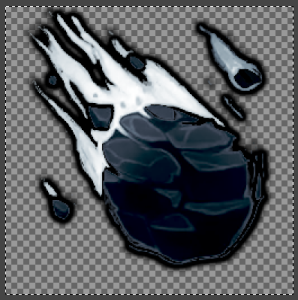
Then add the border after removing bits with the magic wand. This example below doesn't seem to show the alpha, but it is meant to be there!
Spell Scrolls
Need to do this process not done yet.