...
This is based off only having a purple spell icon. For a new icon I'd expect there to be a suitably white source file used to generate it and the spell icon so they're identical.
| Icon | Step Actions | Notes |
|---|---|---|
| Start with normal icon (transparent of course since we have them already like this) | |
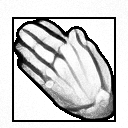
| Convert the purple icon to white, with Color → Desaturate → Colour to Grey | |
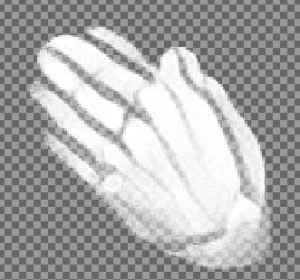
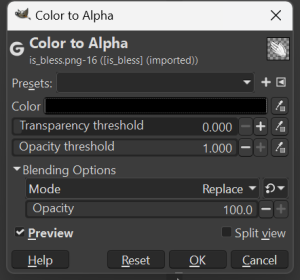
| Make all the black/grey left over into alpha with Color → Color to Alpha selecting the Color as pure black.
| |
| Get the blank scroll background. | This was upscaled previously/separately: iit_scroll_001.png |

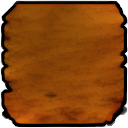
The colours of the original icon were not the same as the actual spell scroll icons so |
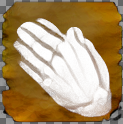
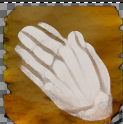
recreated it based off scrolls like Aid, Darkness and Summon Shadow with White to Alpha, then combining them, which was too dark, so did a tweak with Shadows - Highlights too with 30 more shadows setting or so. Looks reasonably approximate to the upscaled Bioware spell scroll backgrounds now. Also added border and cleared some transparency artefacts. | ||
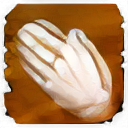
| Add the now white image to it. Note to make it fit better lowering the opacity of the layer with the scroll icon on it might be a good idea. At 60% it looks a bit better and more in line with the Bioware icons. 75% looks a bit more whiter too is probably fine. Might need to tweak a bit to look semi-similar. Some of the Bioware icons differ quite a bit in the "whiteness". | As a comparison here is the upscaled Bless spell scroll. Note the slightly different texture - evidently some tweaking may be needed for better results.
|