-
Created by
 Jasperre, last updated on Apr 25, 2022
3 minute read
Jasperre, last updated on Apr 25, 2022
3 minute read
Pressing F9 when in the toolset or clicking Build → Test Module will cause the game to take the currently loaded module and ask the game to load it (With the topmost character in the character list).
However, there are some issues using F9 to test things. This is a non-comprehensive list. The essential rule is to properly test a module load the game properly or use a shortcut to load the game module (nwnmain.exe +TestNewModule "mod file name")
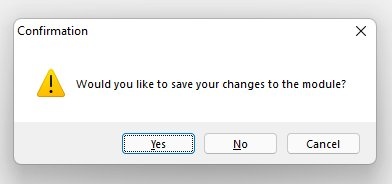
NOTE: Some of these issues can be mitigated by making certain to SAVE your module BEFORE pressing F9. If you press F9 and the Confirmation window pictured below pops up, DO NOT PRESS YES. Press <Cancel> and then save your work using the <Save> button in the toolbar. For some reason, at least in my testing, you are more likely to experience module corruption if you save from the Confirmation window.
Combat "Lag"
Even though it loads a singleplayer module the games combat can start to "lag" with attacks queuing up and firing in a long string. This is especially noticable (or caused by?) dm_enablecombatdebugging being set to 1 (see Console Commands).
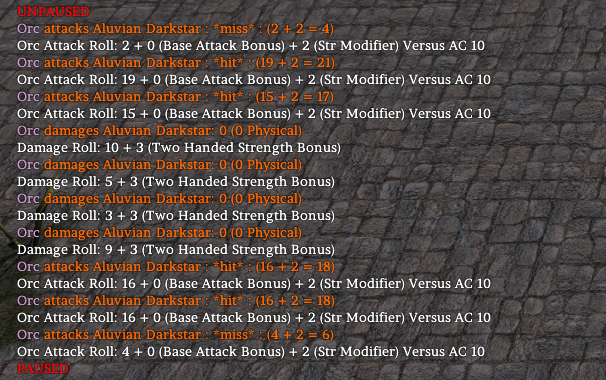
Example of it working as normal in the game, 6 hits in a round (from 6 attackers) using pause between the core attacks:
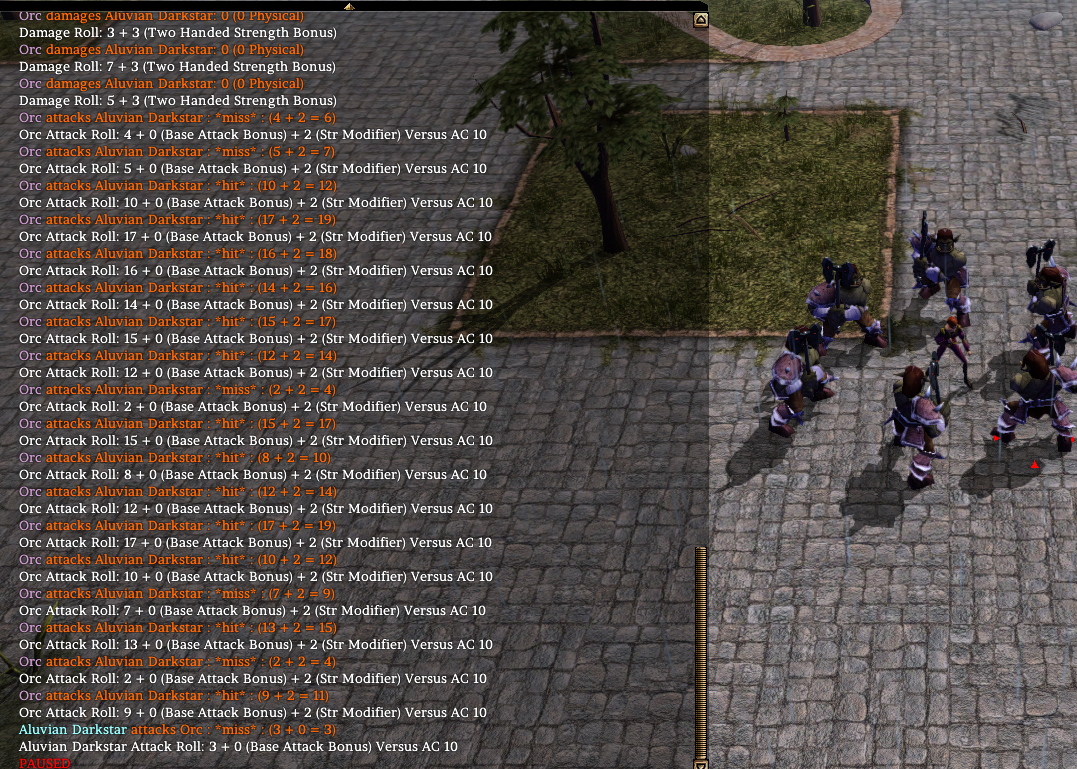
Example of it not working properly; the combat has been going on for around a minute and if the player clicks a creature to attack, suddenly more than a dozen attacks appear at once (only 6 per round should occur from the 6 orcs between damage notifications):
AI Update Issues
This points also to the game timer simply not operating correctly when loaded from the toolset. With F9 mode you tend to get errors like this:

This occurs when the AI updates (ie running scripts, checking their effects, etc.) "overflow" the time window - it appears either the timer checking the amount of time passing or the timers used in the AI update function itself go haywire and one or both report incorrectly causing it to overflow.
It's not always consistent but please don't use F9 mode for real combat testing!
Module Corruption
If you unfortunately crash while running the game under F9, it is possible that your module will become corrupted, resulting in one of two conditions: 1) the module will open in the toolset but not load in the game or 2) the module will not open in the toolset at all. In my experience, the safest thing to do is back up often and, if you do crash the game while testing with F9, open the /modules folder and delete the /Temp0 folder. Since you had the save the module before testing with F9, you shouldn't lose any work you have done.