Common Game Error Messages and how to troubleshoot them
...
. For Common Toolset Issues, see Toolset: Common Errors and Their Causes
Your Player Name Has Been Refused by Server
Game
...
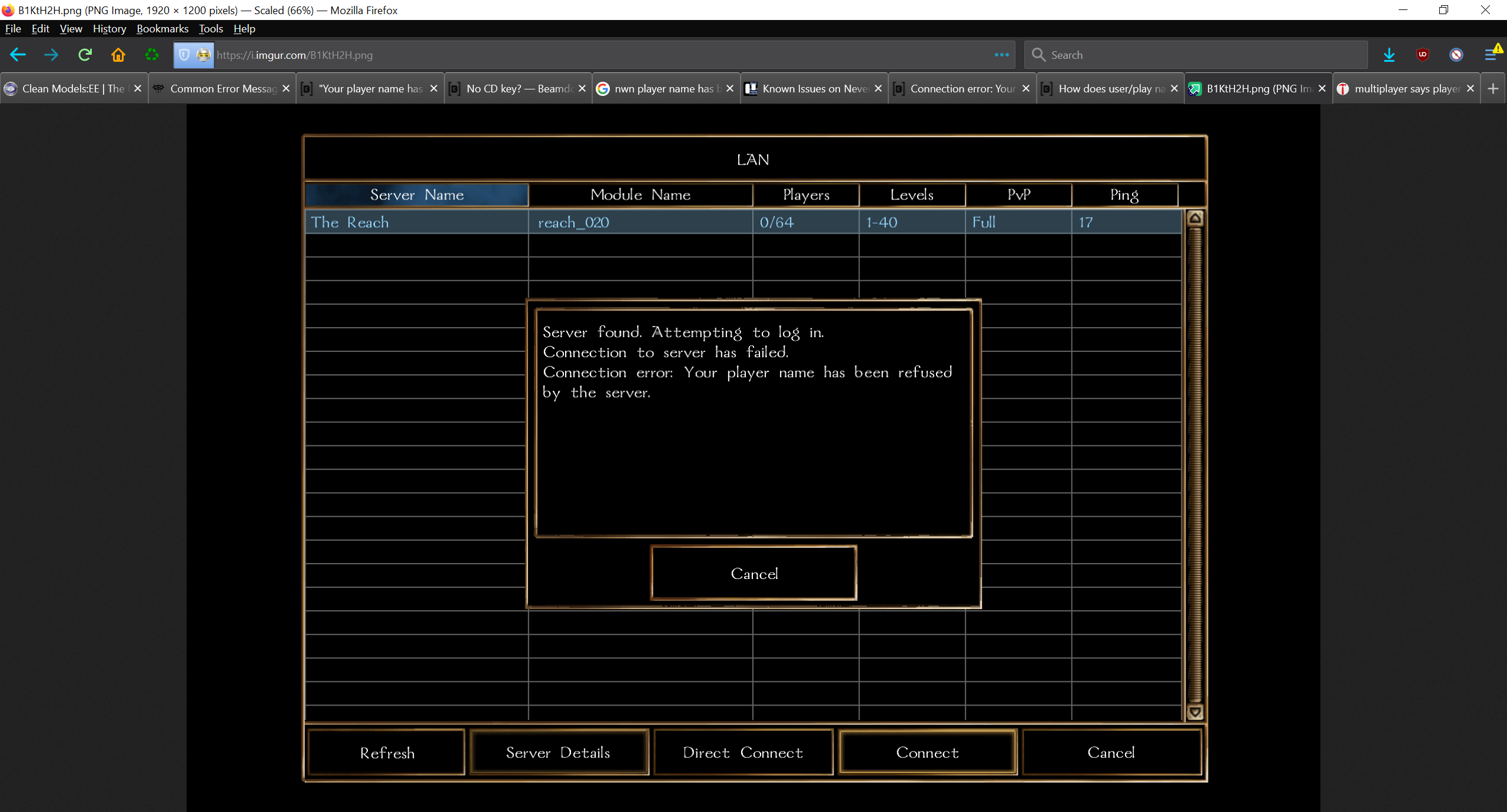
courtesy of FinalStand here https://forums.beamdog.com/discussion/69226/how-does-user-play-name-work-cant-log-into-pws-now#latest
...
This is NOT a problem with the host server itself or it's module. This is a known Beamdog bug that you need to fix on your local PC for the time being.
https://forums.beamdog.com/discussion/72429/your-player-name-has-been-refused-by-the-server-mp-issue
The solution is the check nwplayer.ini for Player Name = <some name>. If it's there, change it. If it's not there then add it. It should be able to work after that.
This may have been moved to settings.tml or will be in the future.
Toolset
List Inded out of bounds or Access violation...00000000
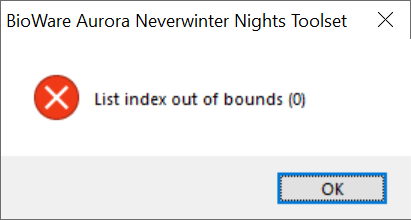
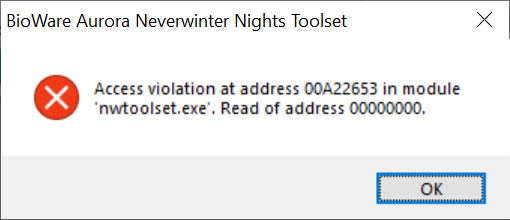
This error message is caused by a problem tile in a tileset.
If the problem tile is already placed in an area you are opening then only the second message will occur. If the area opens and the tile is not yet placed then it may allow you to select it from the palette to attempt to place it but both modal message above will appear.
The toolset will be crashed at this point. You must End Task to kill the process and restart the toolset and module. It will give a you warning that it failed to close and will request if you want to restore from the backup. You will most likely want to say yes to this message or you risk losing the backup permanently the files for this are usually in your temp0 folder in your C:/Documents/<Your user Name>/Neverwinter Nights/modules/ folder .
This error message comes up when one of four occurrences happen:
...