-
Created by
 Jasperre on May 07, 2024
3 minute read
Jasperre on May 07, 2024
3 minute read
Let's override some standard game content with a revised version.
In this example we'll take a spell and alter its spell school and name.
Finding the Data
Search is a good way to find data so press Ctrl + F or go Tools → Global Search. In this example let's deal with Circle of Death. Search for "death" and you can see all the entries with death in them:
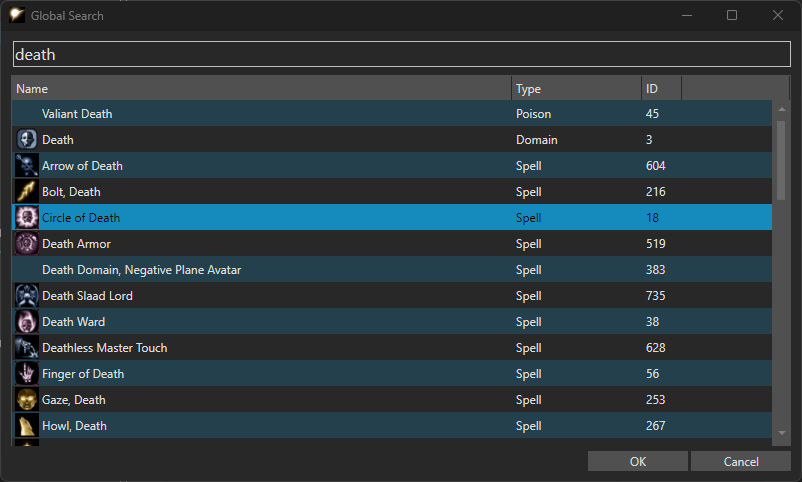
Highlight the Circle of Death spell and click OK to open. We can't override this entry from here but we can see it is under the spell school Necromancy:
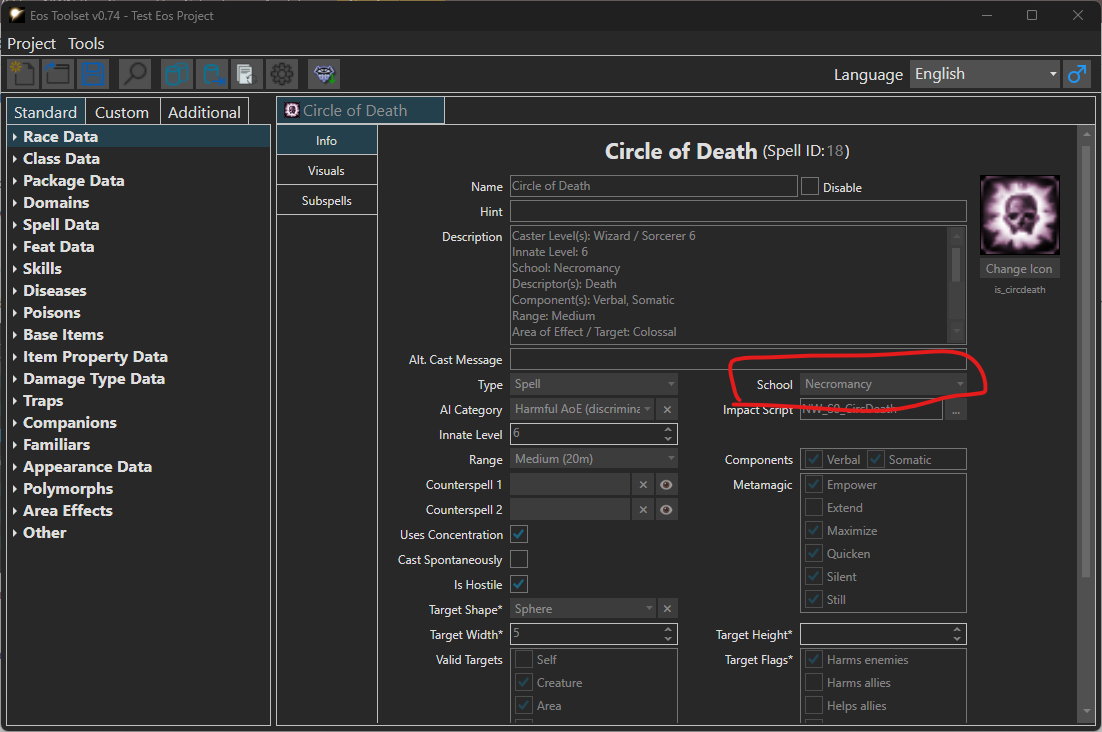
Now we know the spell school, we can find it by going to the Standard data tab, expanding Spell Data then Spells then Necromancy.
You can see Circle of Death then right click on it and select Override Circle of Death.
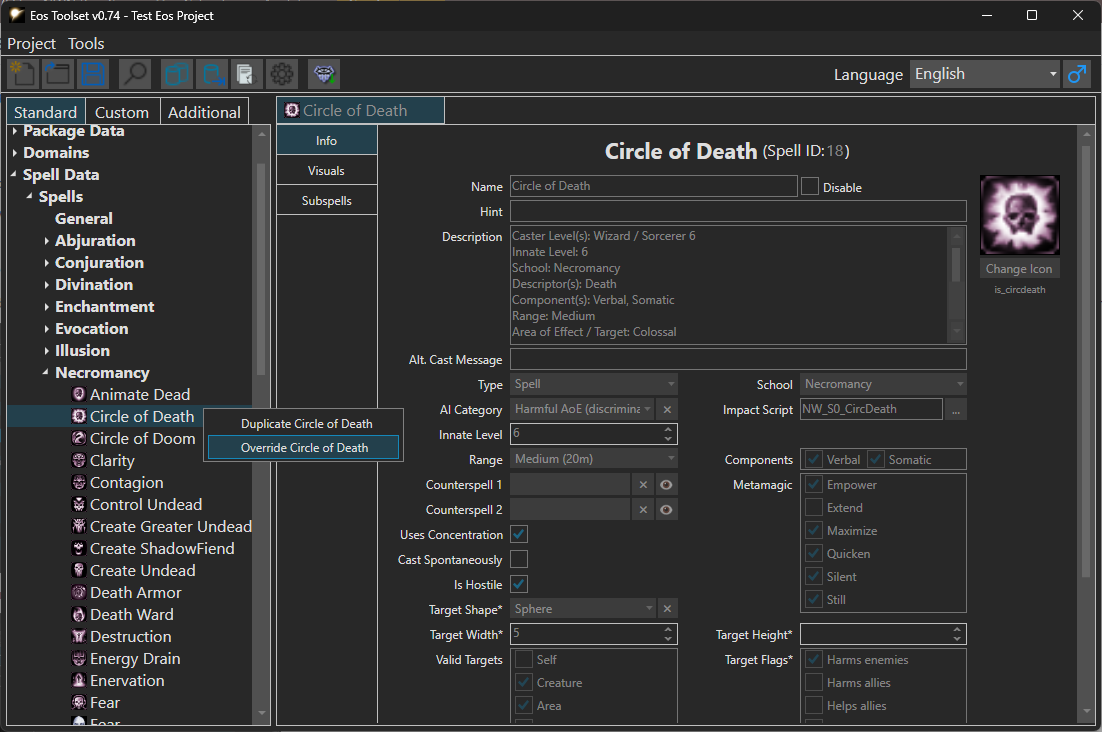
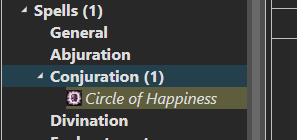
This opens the overriden version with a copy of all the data from the original. Note how on the top bar it is in italics meaning it is overriding base game content.
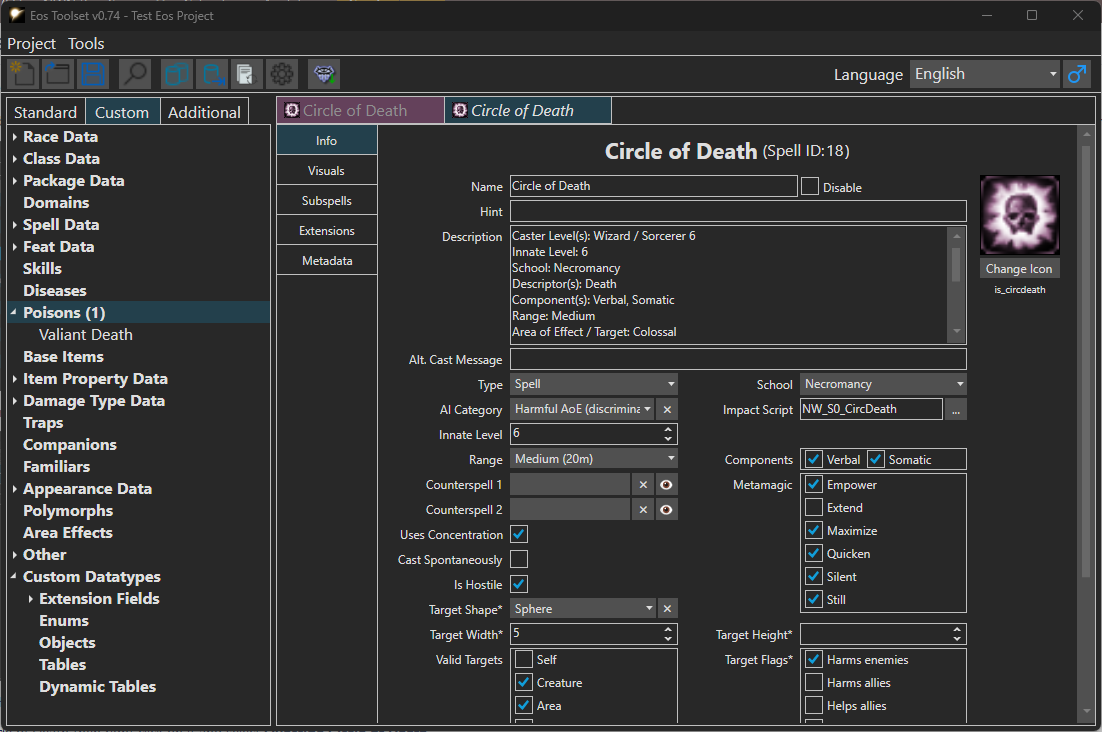
You can also find it highlighted in a different colour - yellow - on the sidebar under Custom.
Editing the Spell
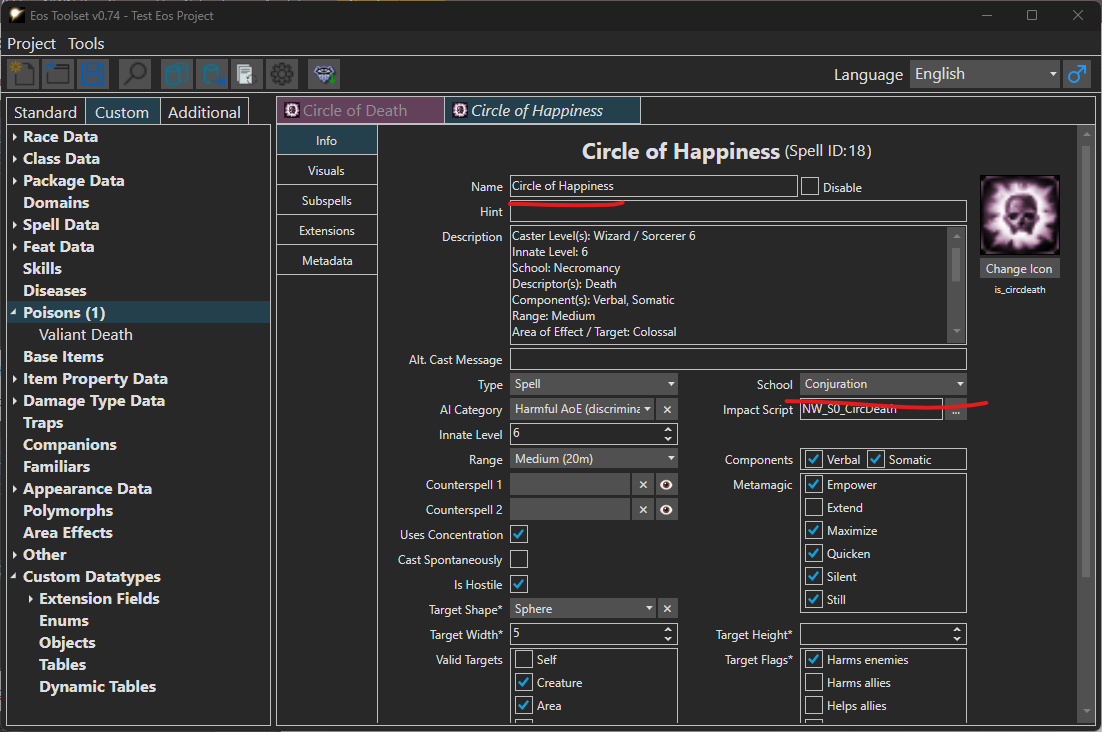
We can now edit it to our hearts content. These changes will override the original 2da line so existing casters get the new version of the spell and there is no need to add it to spell books.
We can make edits to the name and the spell school:
Testing
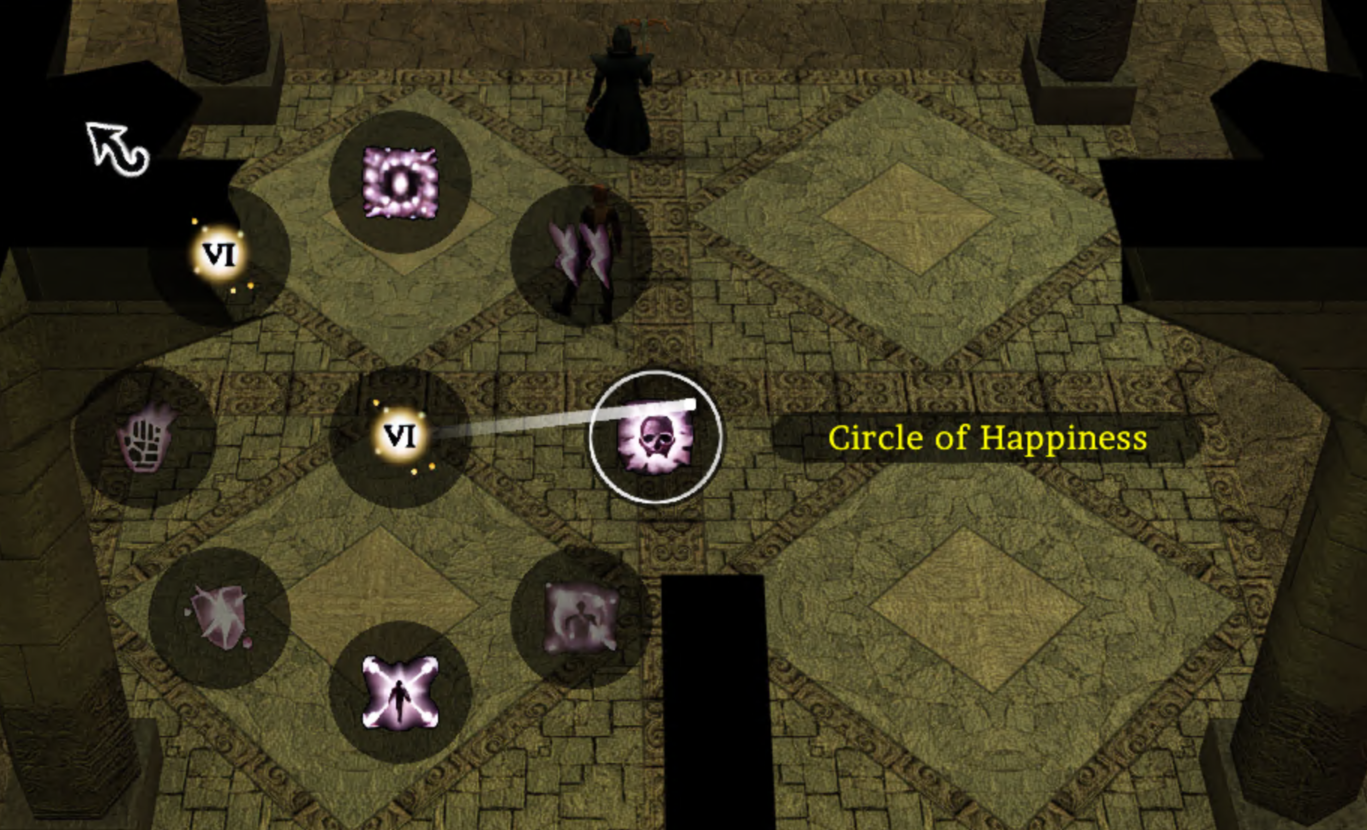
Once saved we can export the project and test it. Using a DM we can quickly find the spell in its new happy form!
For testing the spell school you'd need do a 2da string lookup on it in the script console (Tick "implicit main()" for this to work):
string sSchool = Get2DAString("spells", "School", SPELL_CIRCLE_OF_DEATH);
SendMessageToPC(GetFirstPC(), "Spell school is: " + sSchool);

Or you can test the spell script with relevant feats or similar, or check out opposition schools as a Wizard. The description still says Necromancy since that wasn't edited.