-
Created by
 Jasperre, last updated on Jul 23, 2022
4 minute read
Jasperre, last updated on Jul 23, 2022
4 minute read
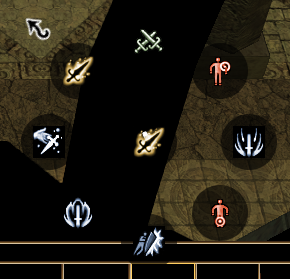
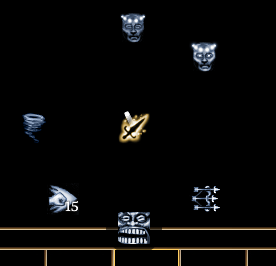
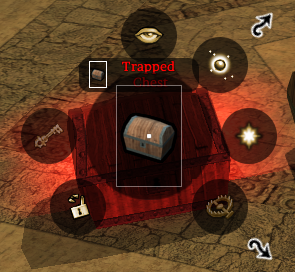
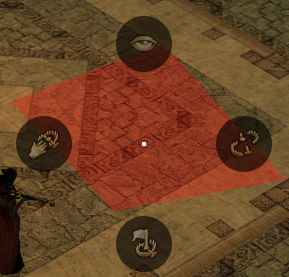
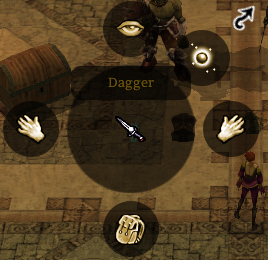
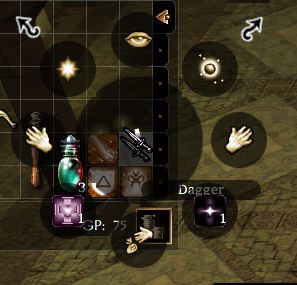
The NWN Radial is context sensitive and generated whenever you right click something; it will generally display some appropriate options.
For modders you need to be aware of how active feats are added to the menu (or not as the case may be)
- Existing Hardcoded stuff - eg: Knockdown
- Class Feats
- "Racial" or "General" feats (but they're not really, they're really class feats
 )
) - Epic Spells
Spells are automatically added on each classes spellbook. Several aspects of the radial are hardcoded - eg; the Crafting menu, and DM radial.
Player Top Level Radial
| Context | Picture | Radial Options (clockwise from 12 o'clock) | Notes |
|---|---|---|---|
| Right Click Quickbar Slot |
|
| |
| Right Click self (or top right portrait) |
|
| |
| Right Click Hostile Creature |
|
| Pick pocket only appears if you have that skill trained (1 skill point put in during levelup) |
Right Click Neutral Creature |
|
| Pick pocket only appears if you have that skill trained (1 skill point put in during levelup) |
| Right Click Friendly (in party) NPC Creature |
|
| |
| Right Click Placeable |
|
| |
| Right Click (Detected) Trap |
|
| |
Right Click Item on Ground |
|
| |
| Right Click Item in Inventory |
|
| |
| Right Click ground |
|
| "More Actions" is related to surfacemat.2da OnPlayerTileAction stuff |
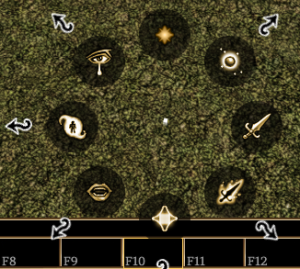
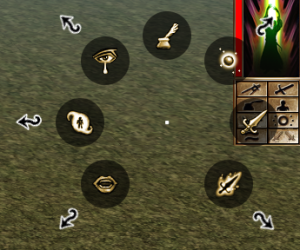
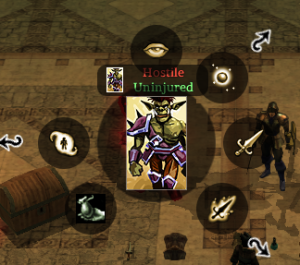
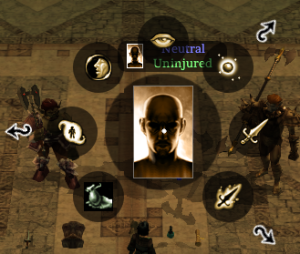
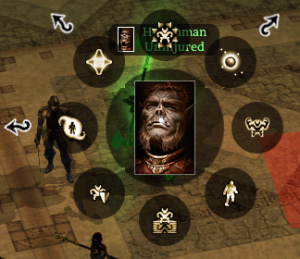
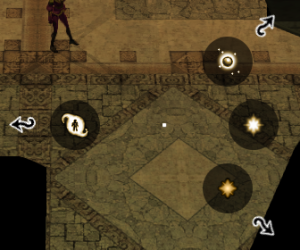
Cast Spell Menu
Special Abilities Menu
| Context | Picture | Radial Options (clockwise from 12 o'clock) | Notes |
|---|---|---|---|
| Top level Special Abilities Menu |
|
| Crafting Skills opens a conversation with the player |
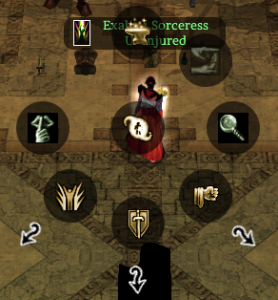
Special Attacks Menu
| Context | Picture | Radial Options (clockwise from 12 o'clock) | Notes |
|---|---|---|---|
| Top level Special Attacks Menu |
|
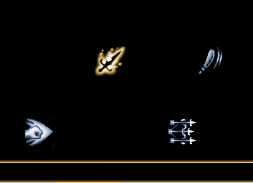
| All are hardcoded - ie if you have the feat they appear, if not it's blank. The "More Special Attacks" appears if you have anything |
| More Special Attacks |
|
| Not just expansion feats, Stunning Fist and Rapid Shot are base game. Again hardcoded positions - have the feat → appears, if not → blank. |