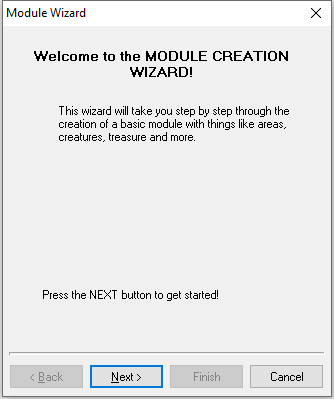
The Module Creation Wizard is the starting point for most new modules. The wizard appears when you select Create a new module from the starting popup or go to File → New or hit the Create a new Module button
This will guide you through each section of the Wizard linking to other pages as needed for their wizards.
Just hit next.
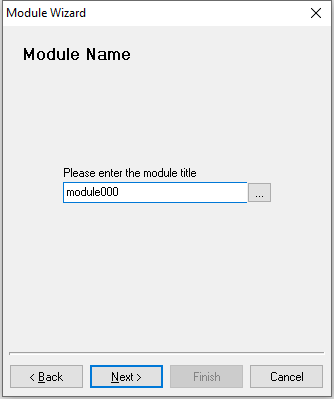
This sets the Module Name and resulting File Name. These are usually kept the same, although the filename may include version information (such as "My Module v1.5.mod") versus the in-game name ("My Module"). If the module name and file name are the same you can use StartNewModule alongside GetName to restart your module for quicker testing.
The module name shows up when you select in the menus to play or on save games.
The modules tag is automatically set to "MODULE" regardless of choice here. The module itself hasn't got a Resref either.
Click Next to continue.
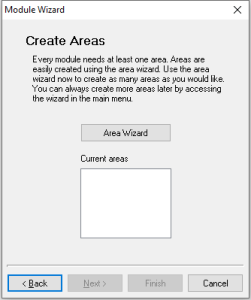
This goes to the Area Wizard. At least one area must be created for the wizard to continue. It's easiest to only create one here and do any others later. Click Next when done.
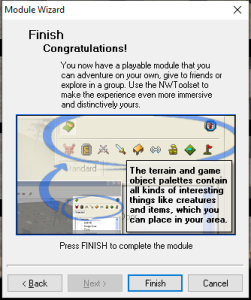
Click Finish to end the wizard and start making your module. Press Cancel to remove all the temporarily created bits of module you just did.