For various reasons you might want to change the id of the mod version. Number one is probably to be open a mod in an earlier version of the toolset. Such a problem happened to me when I ran into bugs using a preview toolset and I had to eliminate the preview version as the source of the problem. Other cases could be builders who upgraded before your PW was ready or perhaps you want your EE mod to work in 1.69. Here's how you do it using the tools that Beamdog and Bioware have given you.
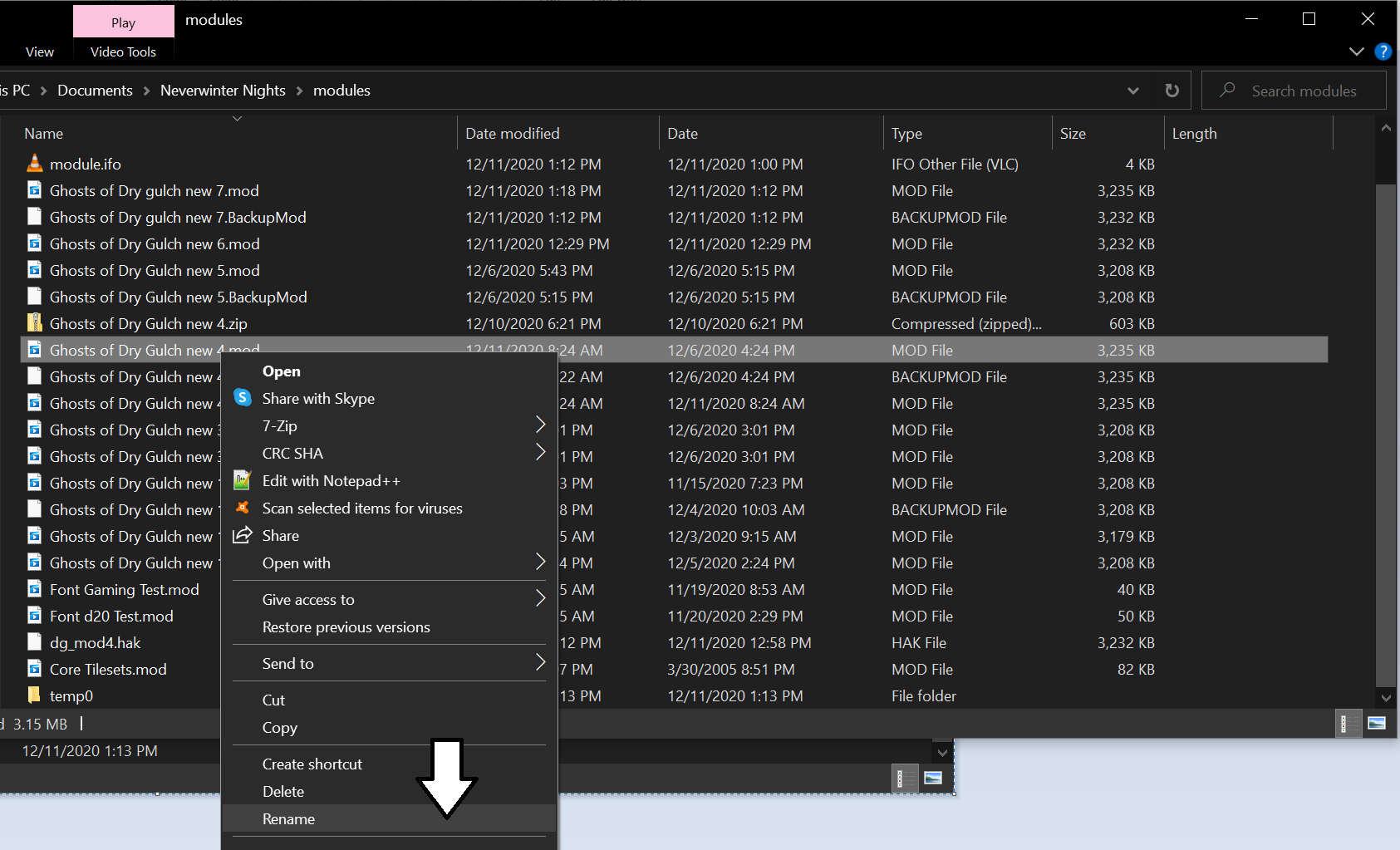
First, locate the mod you want to change in your Documents/Neverwinter Nights/modules folder. Make a backup of the mod of course.
Next , rename the file extension from .mod to .hak. We'll be opening this using the NWHak.exe application that has been provided. It may surprise you to know that .erf, .hak, and .mod are pretty much the same packing format and can be opened with NWHak.exe, but NWNHak.exe only opens the .hak extension. That's also useful if you ever want to check the files in one of these or do something like we're doing here.
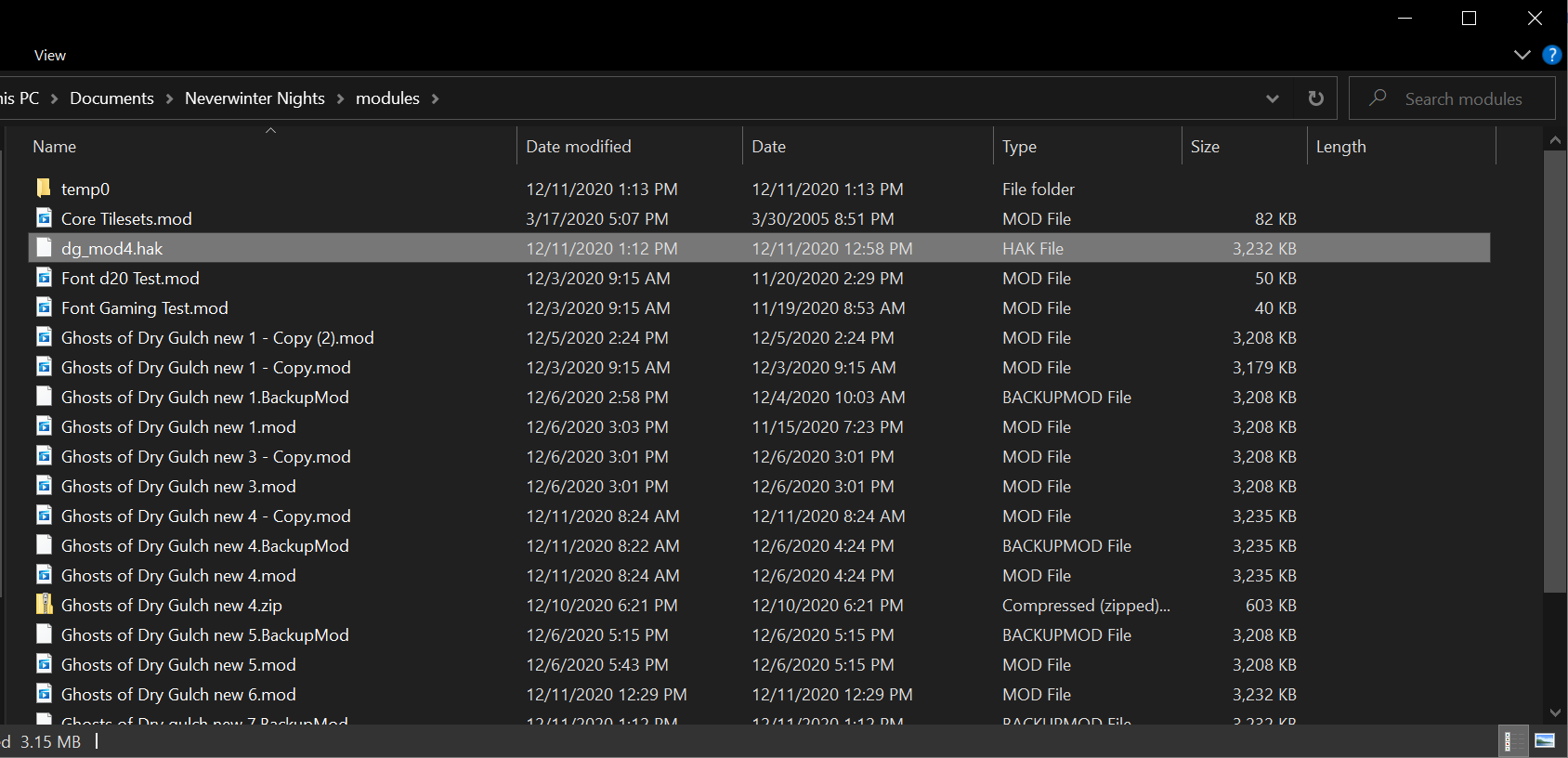
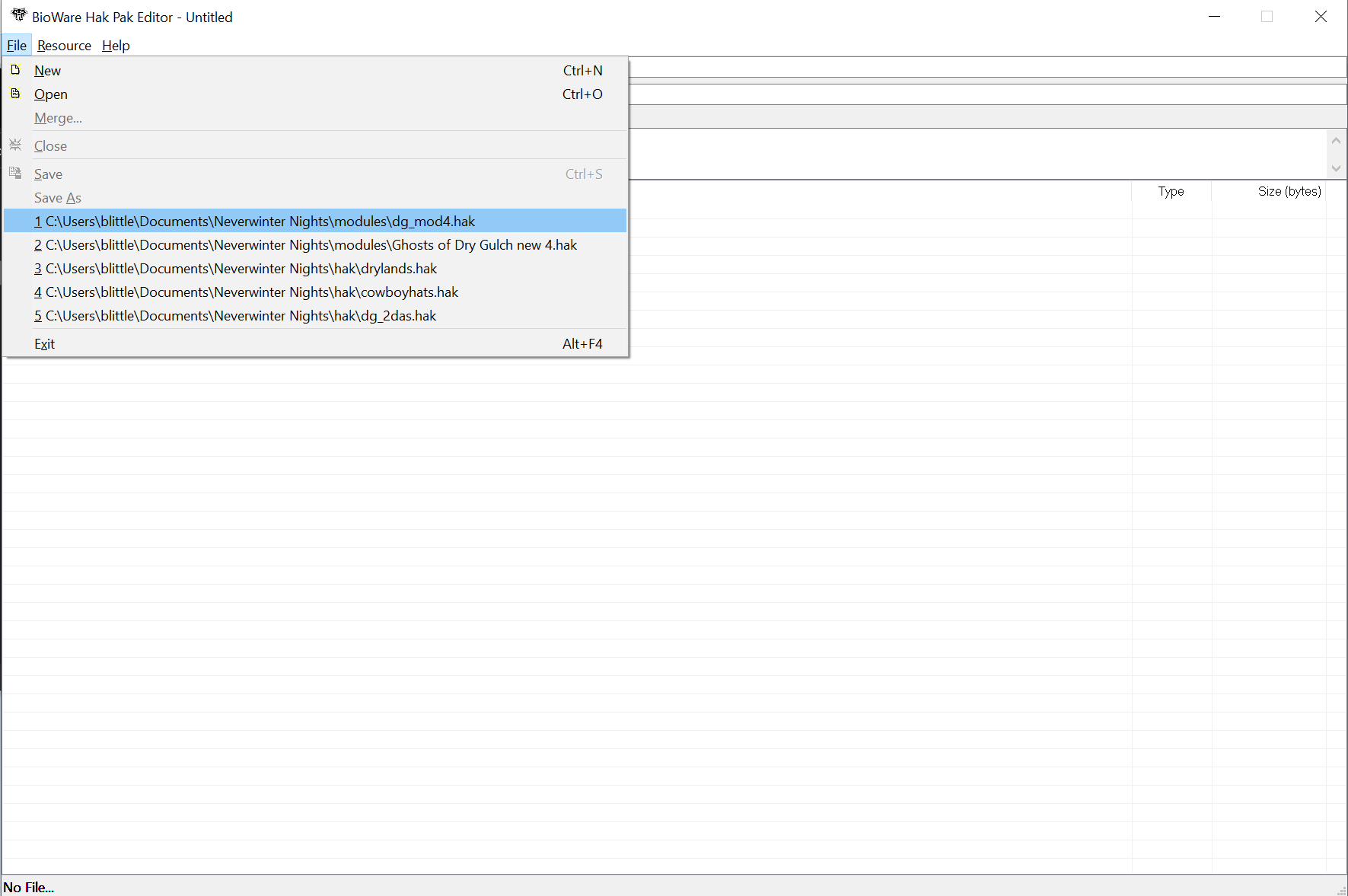
NWHak.exe can typically be found in C:\Program Files (x86)\Steam\steamapps\common\Neverwinter Nights\bin\win32
Open the newly named hak file in NWHak.exe
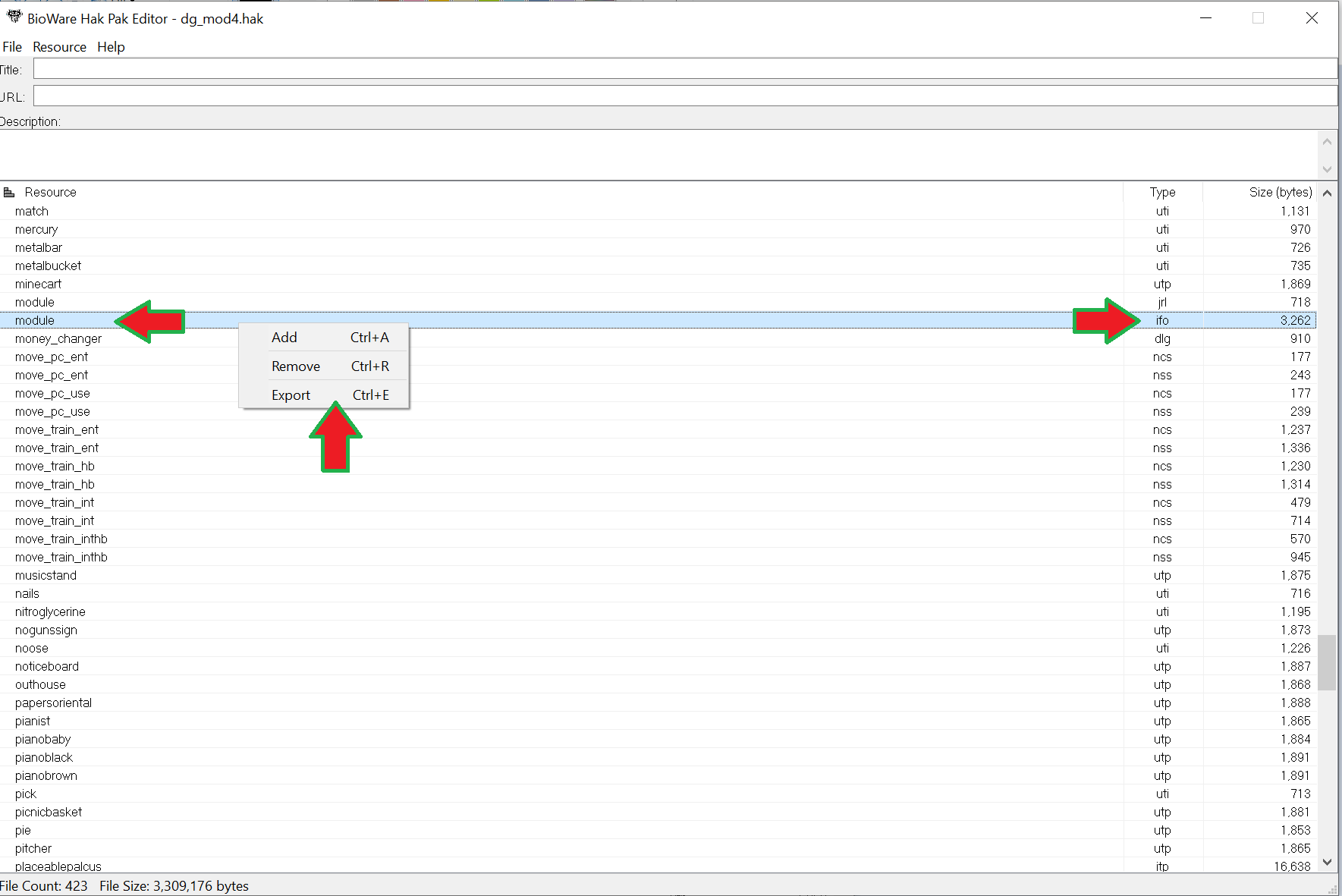
Once the files are displayed locate the module.ifo file then right click to export it to the directory of your choice. Make sure you export the module.ifo and not the module.jrl file by accident.
Then open the GFFEditor. It is typically found in the C:\Program Files (x86)\Steam\steamapps\common\Neverwinter Nights\util\win32 folder
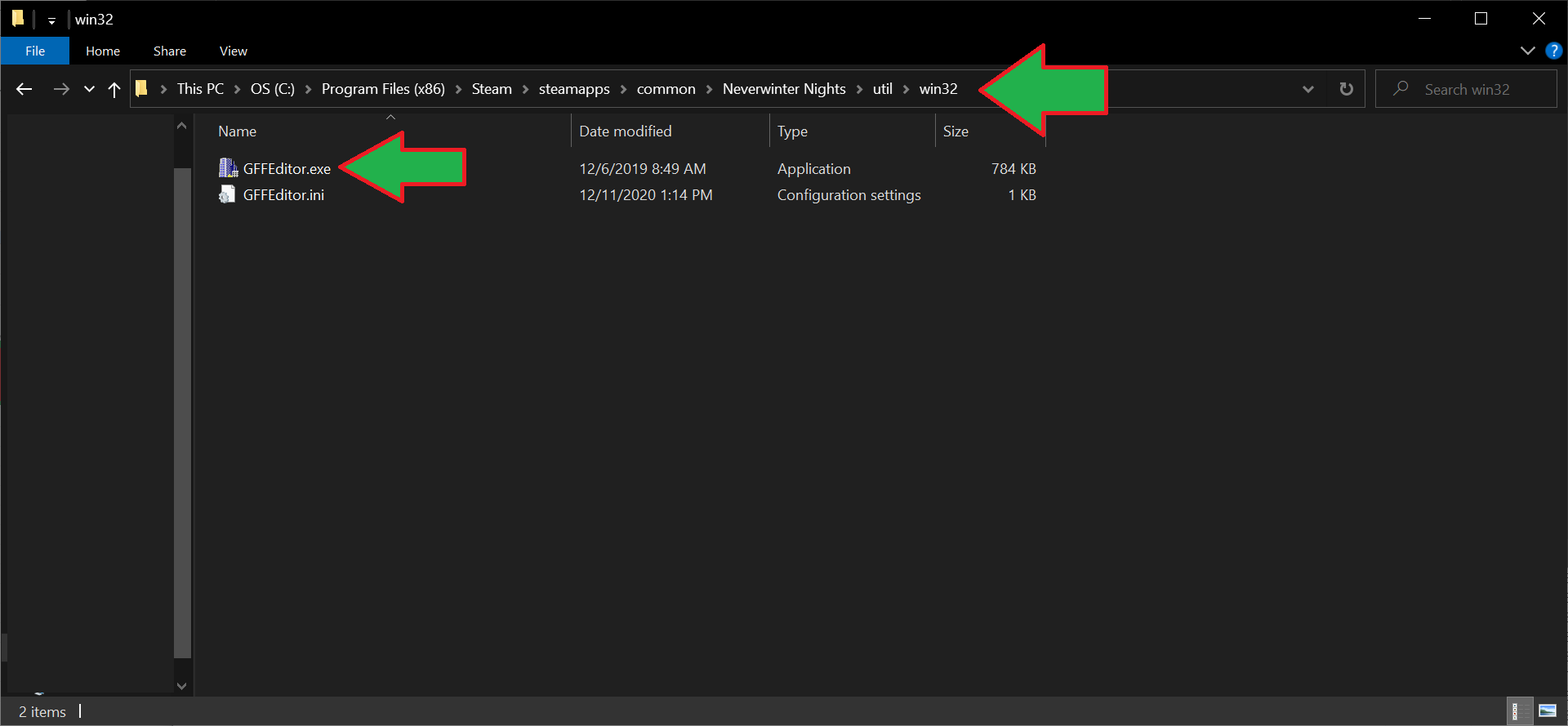
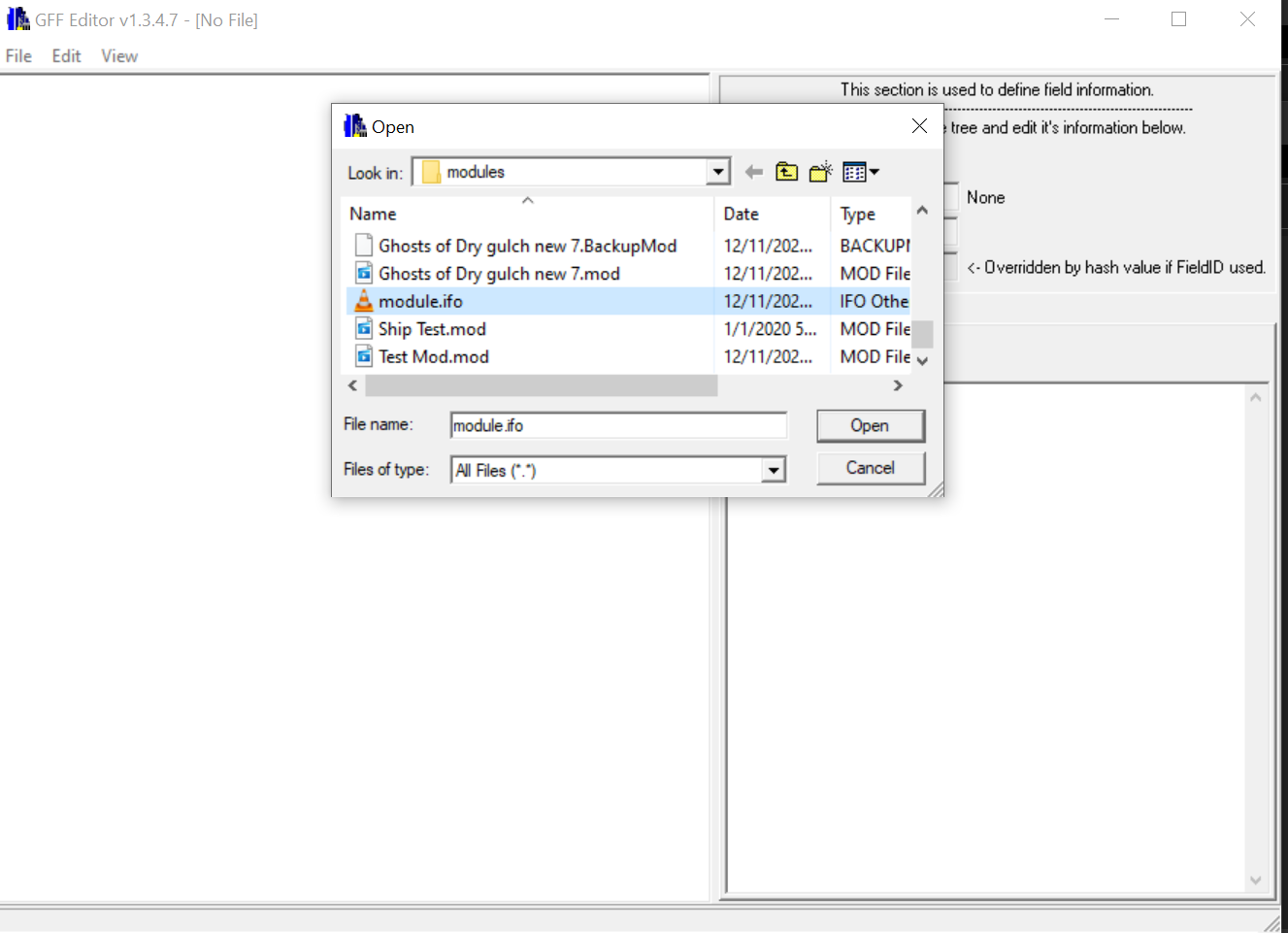
Using the GFFEditor, from File/Open open the newly exported module.ifo file
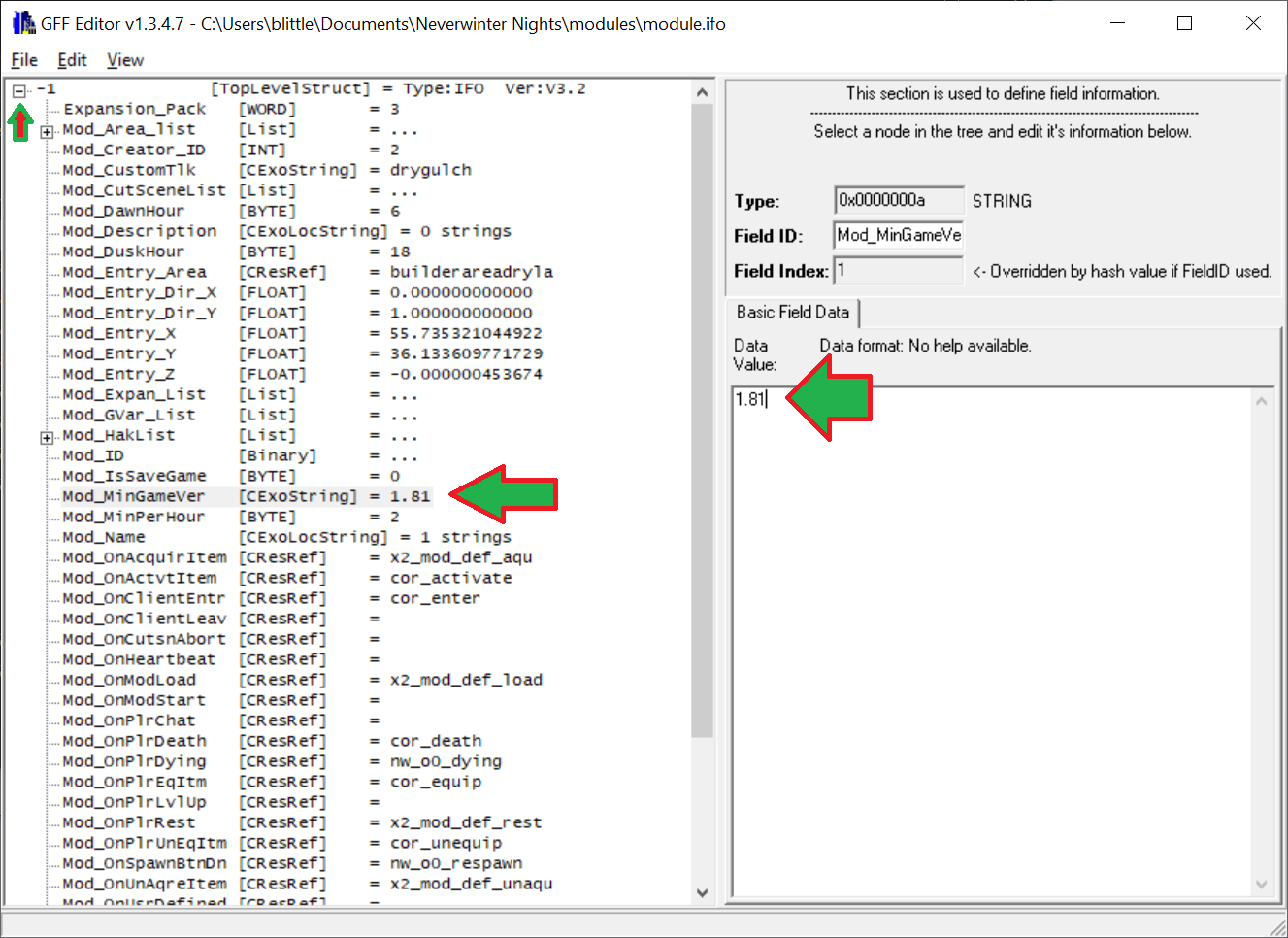
This will open an index tree of the module.ifo and the first row. Click on the first Plus "+" sign to expand it. That will open the next branch of values.
Look down the list abd you will find the entry Mod_MinGameVer
In the textbox on the right, change the value then click out of it for the value to update. My previous value here was 1.83 which allowed me to open the mod in the .21 preview toolset and blocked me from using the standard patch .16 version. Changing it to 1.81 allows me to use it again
Once completed, save the GFF.
Save your changes after adding the file back
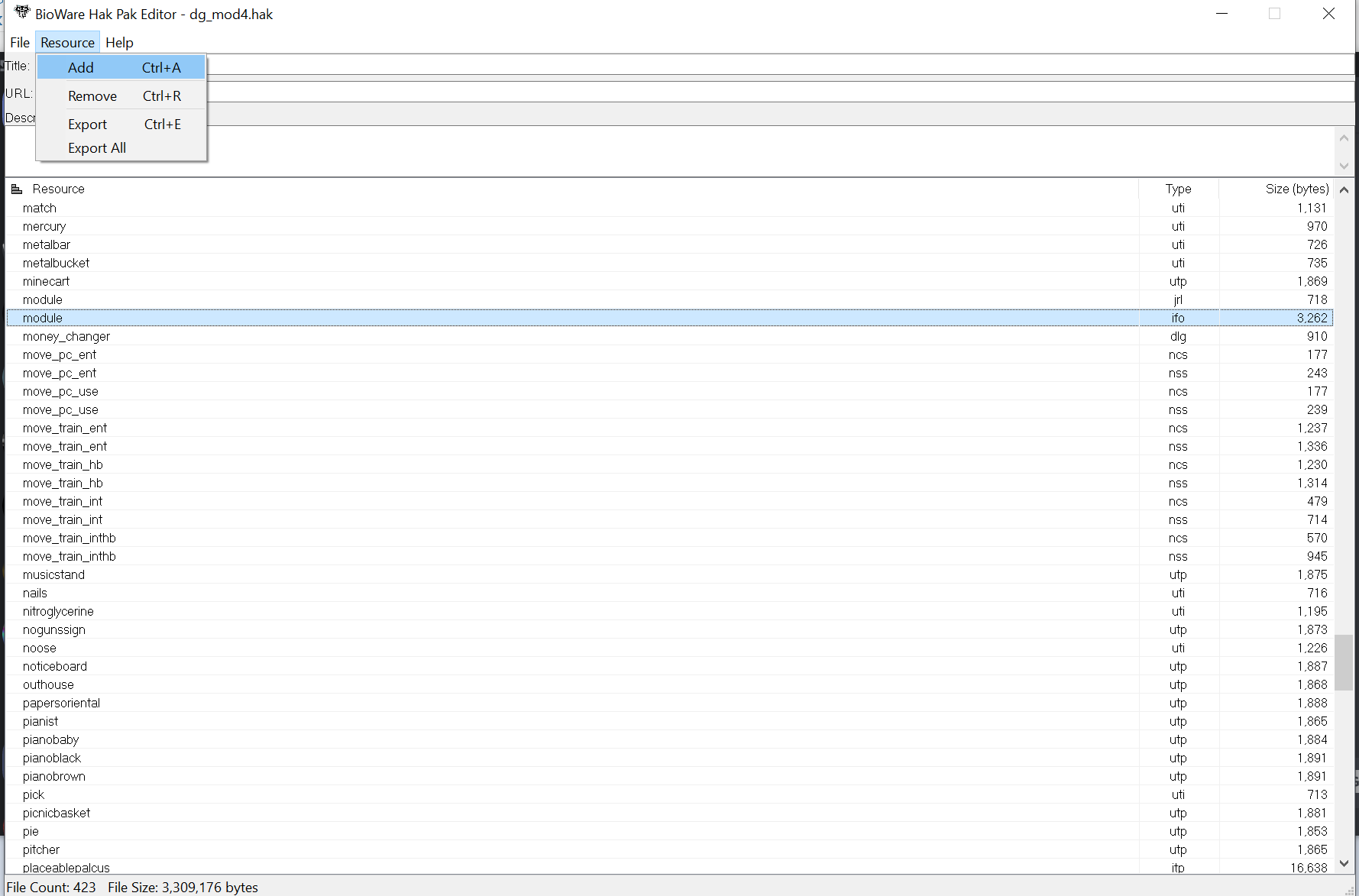
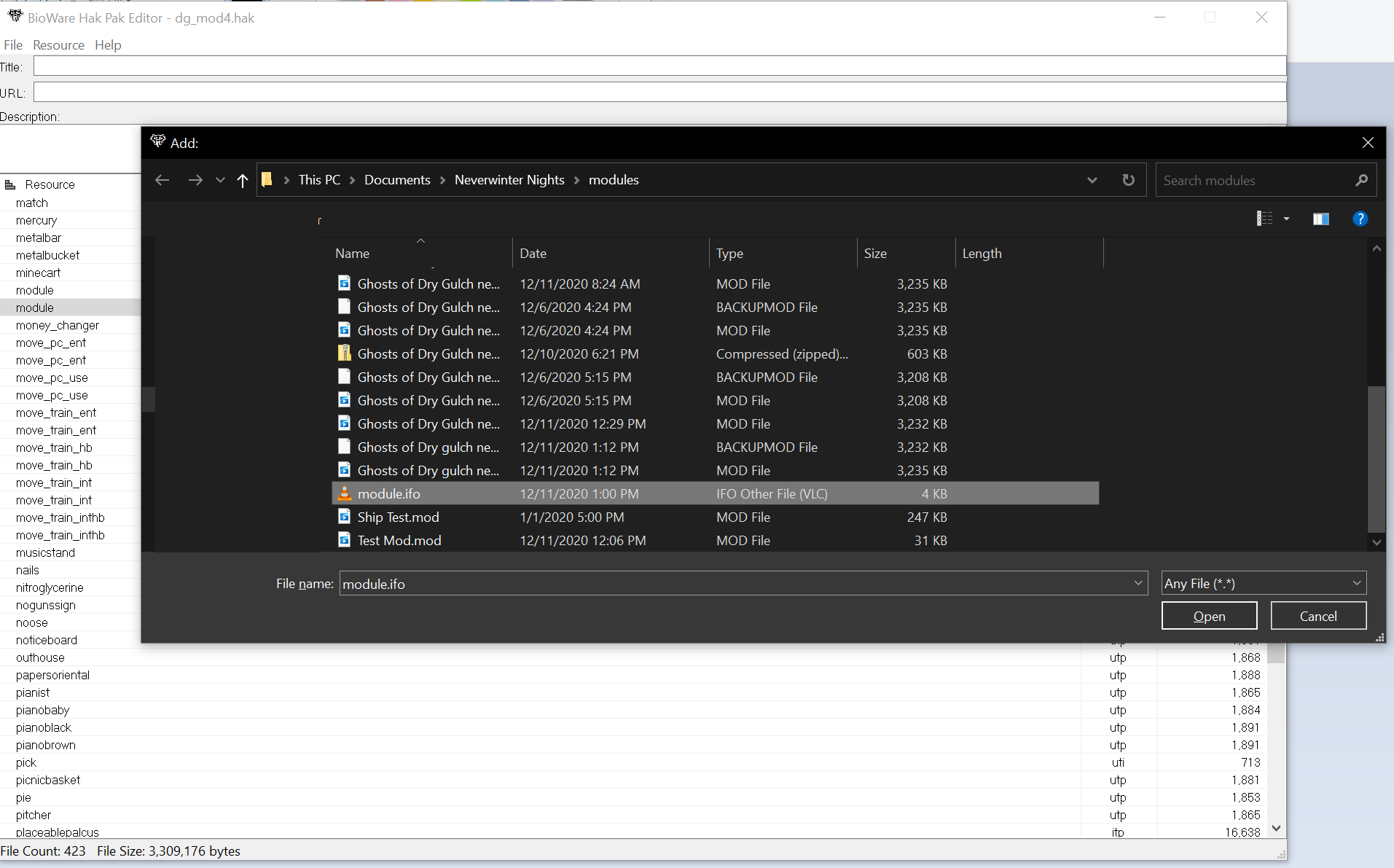
Save your change then close NWHak.exe. If you leave the NWhak open and not empty, this will crash your toolset should you try to open the mod again. It's a good habit to learn to close it once updating is done to prevent this kind of conflict.
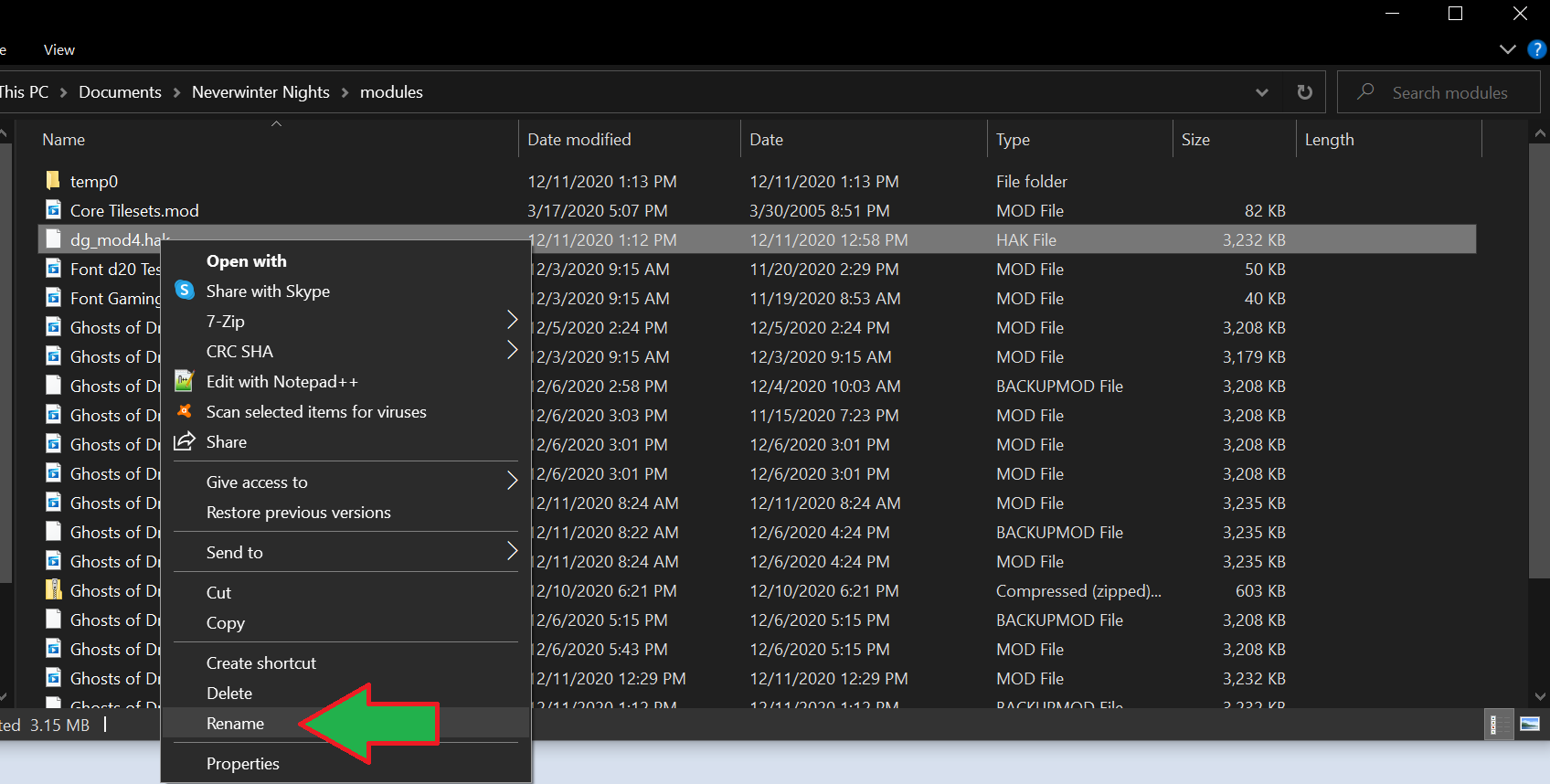
Rename the file back to .mod:
Once you've completed the steps, you can now reopen your module in a previous version of the toolset
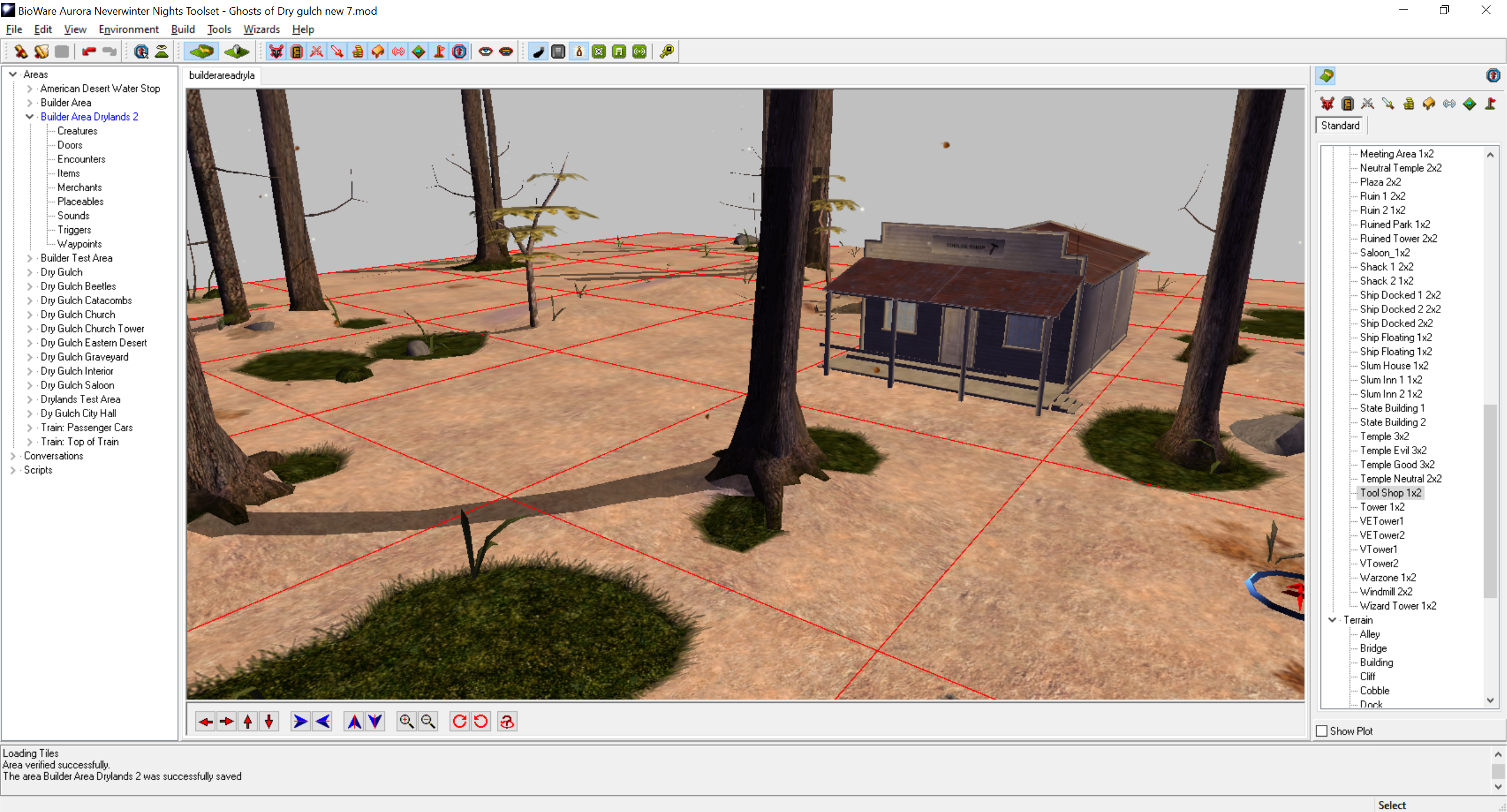
Step 13: Profit