Feat
Domain

White and black contrast
White fading into blue
Domains are similar although just a different more square design with a rounded black border and the background is two toned blue.
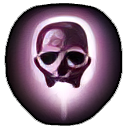
Similar contrast to feats
Purple-ish colouring
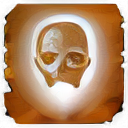
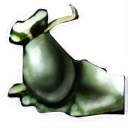
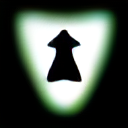
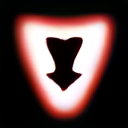

Some notes on editing icons for the NWN style. Shouldn't need general/DM/Emote icons.
| Name | Icon | Rough HTML Code | Notes |
|---|---|---|---|
Feat Domain |
| 7da8d1 | White and black contrast White fading into blue Domains are similar although just a different more square design with a rounded black border and the background is two toned blue. |
| Spell |
| 8b7486 (more drab) or 7c5574 | Similar contrast to feats Purple-ish colouring |
| Spell Scroll |
| White version applied to the scroll icon | This is the spell icon but made into a white form. Black is transparent. |
| Skill |
| Green similar to Good Effects | |
| Good Effect |
| Project hasn't made these transparent (yet) | |
| Bad Effect |
| Project hasn't made these transparent (yet) | |
| Class |
| Golden yellow |
To edit a image to a certain colour first greyscale it (Colours → Desaturate → Mono Mixer).
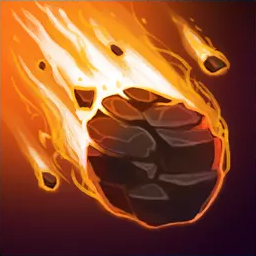
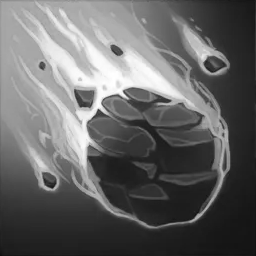
Then a rough 60% opacity Burn use of the Fill tool. Tweak to fit.
Then add the border after removing bits with the magic wand. To get a version with a black alpha layer export with no background colours and set the background colour in the selector to black. https://www.gimp-forum.net/Thread-Change-transparent-color-to-white
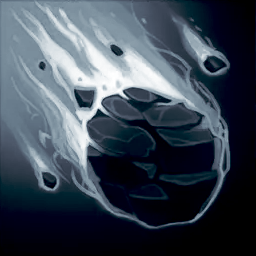
Need to do this process not done yet.