-
Created by
 Jasperre, last updated on Jul 09, 2020
2 minute read
Jasperre, last updated on Jul 09, 2020
2 minute read
Placeables can be created from blueprints dynamically using scripts, but this is about placing them in the toolset.
Transform Options
New in NWN:EE is an option to transform an object if it a usable placeable or a creature. If you only see the top Position and Orientation then it is a static placeable or some other non-visually-transformable item.
This allows you to grow, shrink, "lower" or "raise", and rotate the object in a variety of ways. Furniture can be upside down in wreckage, the floor can have flags on it, the walls can have carpets. Many objects are not optimised to be rotated however!
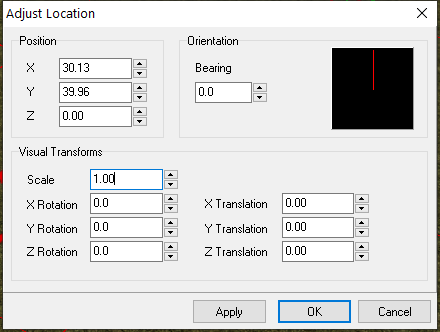
Shortcuts
Holding ALT and holding the mouse over the placeable will move it up and down.
Holding CTRL and moving the mouse wheel will scale them.
Map Bounds
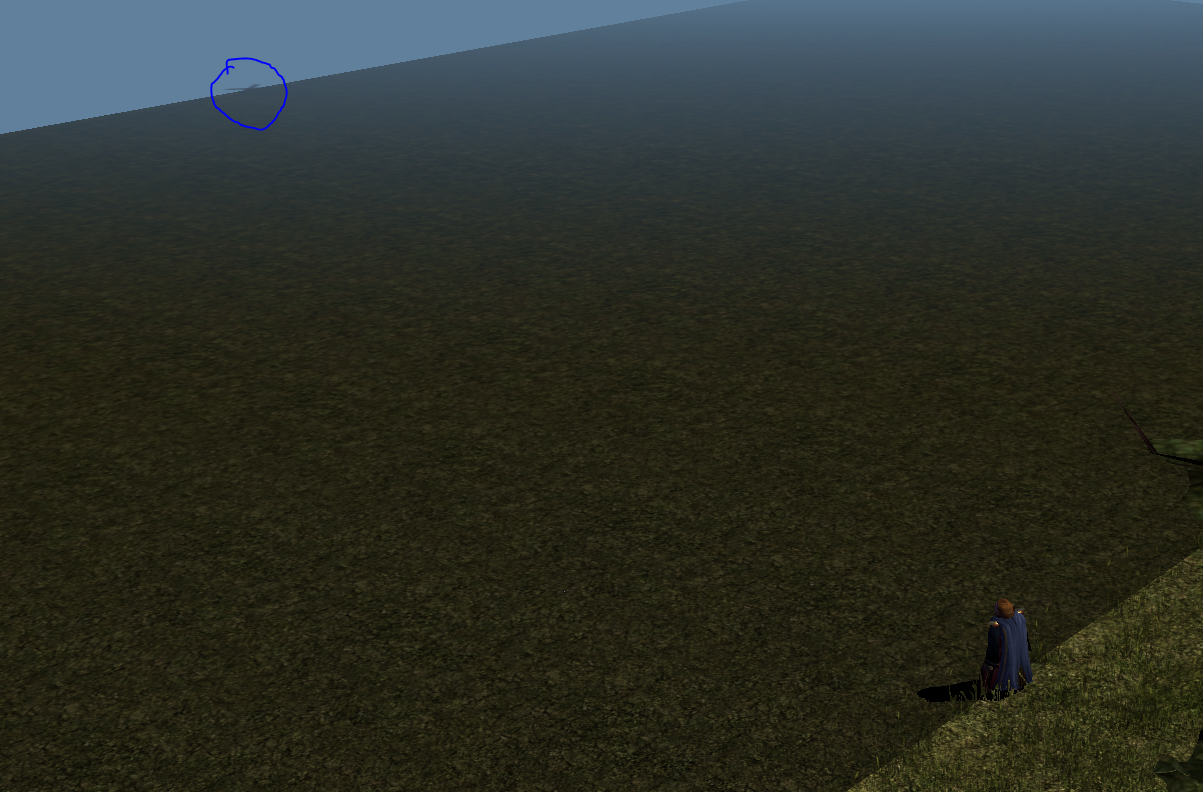
Did you know? There is a way you can get placeables to be outside the map bounds and still load in the game. The map bounds extend for 5 tiles away from the playable area, replicating the tile closest to the edge.
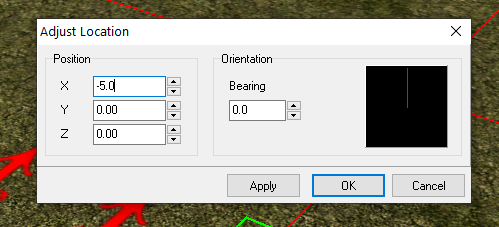
To do this use the Adjust Location option on a already put down placeable that is static. This allows you to select coordinates outside the map boundaries and press enter to save.
You can then place placeables on top of it easily, for instance if you use a big flat tile piece.
Example: Select Adjust Location by right clicking a placeable. In one of the X or Y boxes set, say, a negative value of -5.0. Press Enter and poof it appears outside. Experiment and as always you can convert an area to code to set the locations of things independently of the toolset.
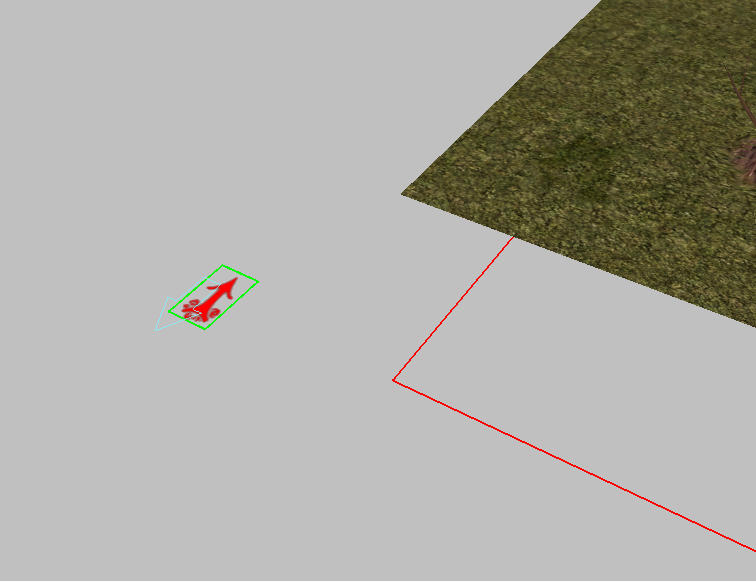
Example of a placeable set to -50 meaning the edge of any visible boundary. Usually players can't see this far unless the fog distance is increased.