...
Now your icon is ready for exporting - you can at this point also add a bit of a outline if you wanted, up to you! The transparent areas are all black if you did anything else to affect it.
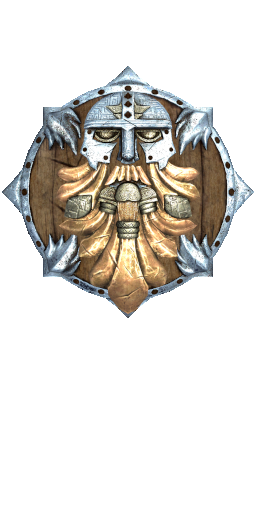
Icons can be exported in TGA (you can use RLE compression in GIMP too) or DDS (if a new icon only - old icons can only be overriden with TGA I think).
If you want to add transparency rather than the hard edge, see this guide for important information on the background colour and how alpha can need better RGB than black to improve quality; https://www.adriancourreges.com/blog/2017/05/09/beware-of-transparent-pixels/#as-an-artist-make-it-bleed
Example of original game icon with black outline (although this doesn't always occur - helmets, armor and cloaks which are PLT icons tend to not have the outline or not as pronounced, and others have shadows or other different alpha blends to fully transparent):
...