...
If this still has issues you (or an installer like the HD pack installer) might have added files to the games /ovr folder. You can delete it, and then revalidate the game to redownload those files cleanly. Example directory on Windows: E:\Steam\steamapps\common\Neverwinter Nights and the ovr folder is in it.
Finally if things still seem odd, you can redownload the game by deleting it in Steam, finding and deleting any leftover files in the game folder, and then installing again. This is the cleanest method, and removes any potentially odd files in the install directories left over from modding.
Remove Steam Workshop Files
...
Unsubscribe from the games workshop content here: https://steamcommunity.com/app/704450/workshop/ or in the Properties of your game where it can show if any are there, and remove them so it's empty:
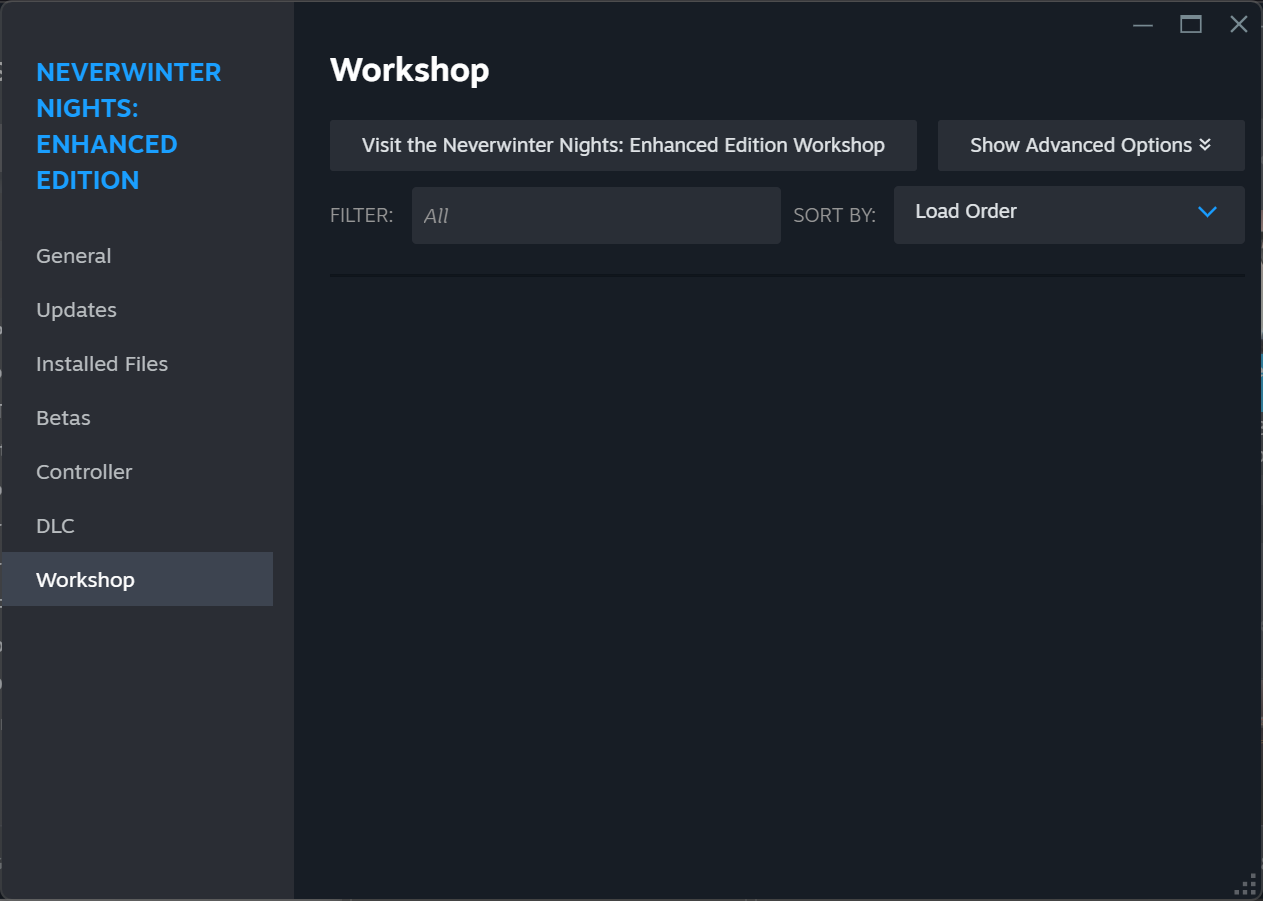
Then when unsubscribed, you can remove the content that Steam may have left around if you want to be sure. Example directory on Windows would be: E:\Steam\steamapps\workshop\content\704450\ - it should be on the same drive as the game is in.
...
Rarely Steam or GoG causes issues. You can disable the loading of overlays etc. by exiting the clients before you load the game. The executables can run without Steam or GoG present just fine.
Toolset Note
Note the toolset won't load Steam or GoG overlays or load Steam workshop content, so if there are issues with it make sure you follow other suggestions above.