...
Hit Add on a quest itself to add a entry. These can be cut and pasted, but not dragged since the order is reflected by the ID.
| Item | Description |
|---|---|
| ID | ID of the quest entry. You need to keep track of these yourself (you can't retrieve them from the journal in any way) commonly Bioware used increments of 10 or 5 meaning additional entries or smaller updates are easier to "slot in". |
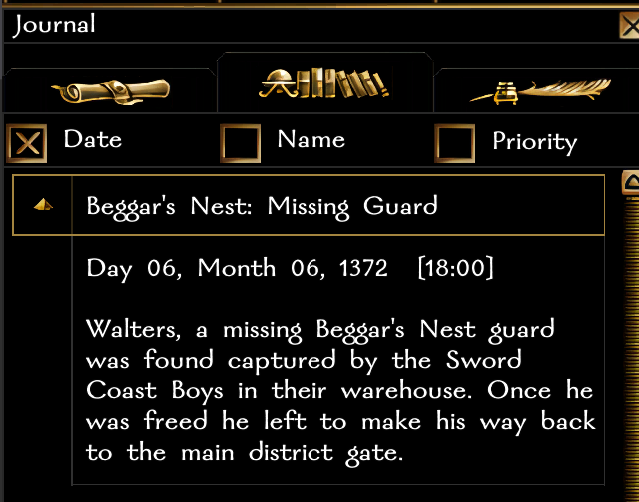
| Finish Category | If checked the journal entry will appear in Completed Quests tab instead of Quests tab, and essentially be marked as done. Completed Quests tab example:
|
| Text | The |
text to show in the journal. There are limits to this, but it's reasonably large. Formatting should work with colour tokens but make sure to test it. It can be a TLK string reference. The editor doesn't allow this directly it seems (in which case you can edit it in the GFF fields). |
Using Journal Quests
There are two ways to interact with journal quests; conversations (under Other Actions) and scripts.
...
- There is a "Picture" identifier for each quest suggesting Bioware at one point was going to allow a picture to be used against each quest. The picture is not fully coded however and is missing some relevant files, so doesn't work even if the number is changed.
- It doesn't appear the GUI or MDL files that remain have space for the picture so who knows what it'd have looked like!
- The quest_default.tga (included in the toolset beta) which would have been the default image is a 256x128 image so presumably a kind of banner image? Possibly the journal had a very different design at the time.
- Bioware was going to code a way for DMs to add and edit journal entries. This was called "World Entries" and in fact the network functionality still remains as does the GUI information in jnl_wld_dm_new.gui but there is no available way to invoke it.