Doing 3rd phase:
- New Cupscale New Cupscale! 1.3839.0f1 - has a faster network to use and a better set of upscalers included by default
- 4x_BSRGAN upscaler to be used on most textures (works to bring back some detail and retain colours a fair bit)
- 4x_RealSR_DF2K_JPEG to be used on icons (seems to keep a nice lot of detail)
- Redo all files
- Not going to desharpen but have used bc1 stuff on the DDS files
- PLT files need a rework, see if they work better than before (
using PNG middlemen- nope PNG conversion in nwn_crunch is not great apparently TGA it is! but we can use output PNG from CupScale to go back to DDS)
- Notes on some other bits:
- Using PNG files now - seems to work with the modellers a lot better less errors then TGA! Also makes checking the files miles easier and takes less disk space (and may even improve timings a little since they're smaller to read/write).
- The new mode is around 25% - 40% faster or so so well worth using called RealESRGAN (NCNN) but only works at x4. If we run desharpeners etc. don't use this.
...
Lots of crashes - because of course NWN is ancient and sometimes hates things. Things noted here:
DDS flippy flip
Buggy and unneeded textures
Whole list of these! Egad so many that if present can even make other ones buggy (DDS overrides PLT!). To follow, but also removing ones that are not used by the game ("TEMP" icons for instance) or are buggy (GUI boxes above) saves even more time.
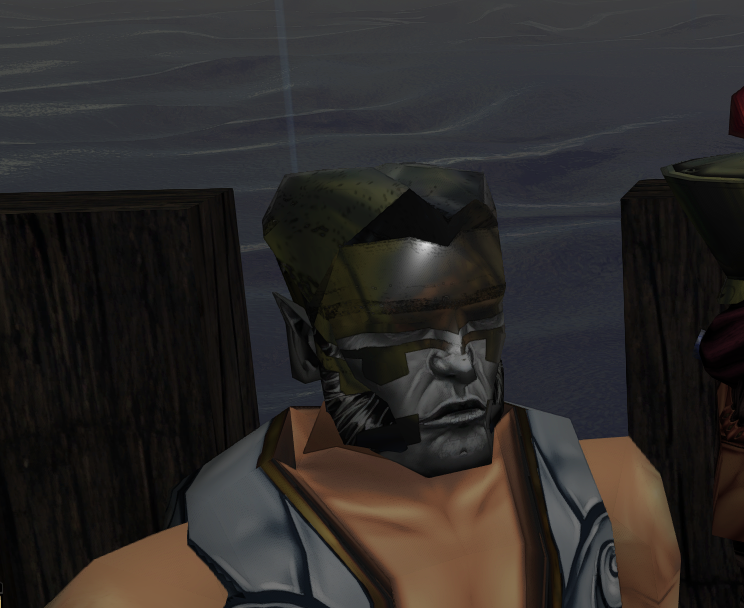
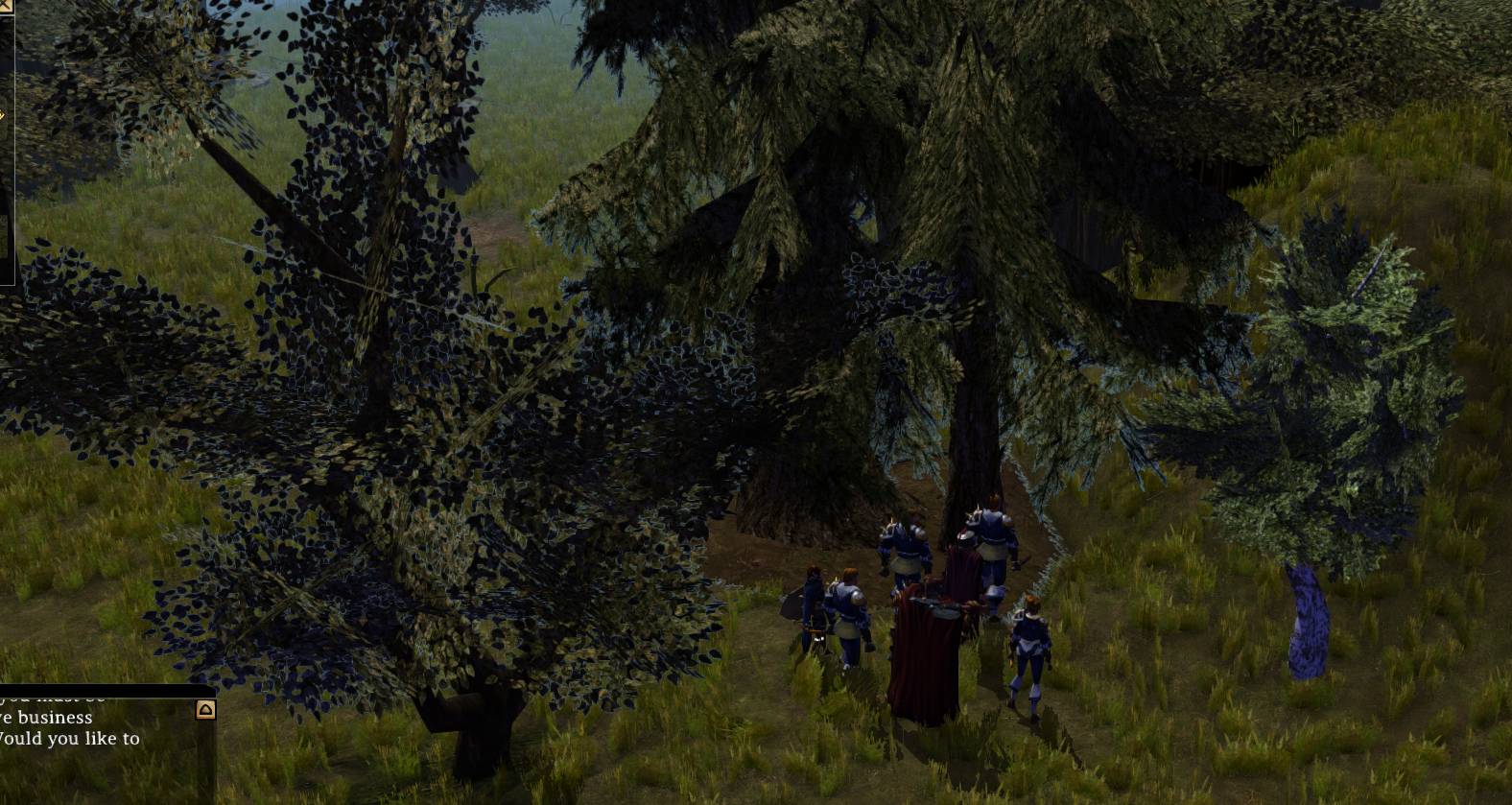
Transparency on some textures
trm02 textures and even usual rural is a bit buggy; alpha is probably the issue - try Test Phase 2 options for Alpha modes perhaps.
Doesn't affect all things with transparency oddly!
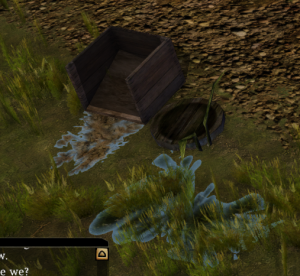
Transparency Testing
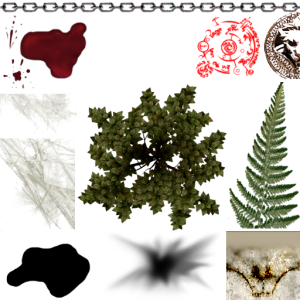
Testing on a multi-use texture plc_trans.tga used for blood and other things. This has to use the base ESRGAN (Pytorch) for the transparency options.
All are using 4x_BSRGAN model in Cupscale 1.39.0.
Note Alpha Depth of Binary or Tertiary just cuts a load of alpha out. Don't use for the blood one. Might work better when we want to eliminate the "white edges" in grass and leaves above since it leaves a hard edge in the final result.
The options are described a little in cupscale but in more detail here: https://github.com/JoeyBallentine/ESRGAN/blob/master/README.md
--alpha-mode 1: Fills the alpha channel with both white and black and extracts the difference from each result.--alpha-mode 2: Upscales the alpha channel by itself, as a fake 3 channel image (The IEU way) then combines with result.--alpha-mode 3: Shifts the channels so that it upscales the alpha channel along with other regular channels then combines with result.
| File | Source | Alpha Mode 1 (Differential Alpha) Alpha Depth Full (8-Bit) | Alpha Mode 2 (Separated Alpha) Alpha Depth Full (8-Bit) | Alpha Mode 3 (Channel Alpha) Alpha Depth Full (8-Bit) | Notes |
|---|---|---|---|---|---|
plc_trans.tga Used in model "Scorch Mark" and "Bloodstain" placeable. |
|
|
|
| More obvious inside of Cupscale (with the squares background). Mode 1 differential: This makes the left hand "web" quite transparent (actually more noticeable in cupscale). It also alters the colour of the red symbol to be very dark red. Mode 2 separated: This seems to be the best balance and colour representation. The alpha around things isn't as extreme, only thing is the top right wolf symbol has a fair bit of white around its now more apparent edges Mode 3 channel: This seems to messy up the detail of the textures. The red symbol especially is a complete blurry mess. Problems previously here are null and void - was due to Low Violence setting (and the letters scaling was just always the same for whatever reason). |
| tcn01_blst02 - These 3 may be just upside down...or something to do with the de-DDS AI run on them? mmmm | |||||
| tcn01_splotch01 | |||||
| tcn01_splotch02 |
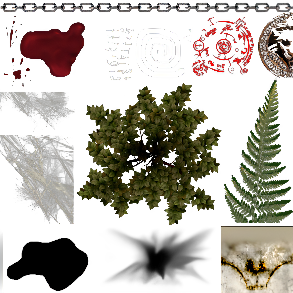
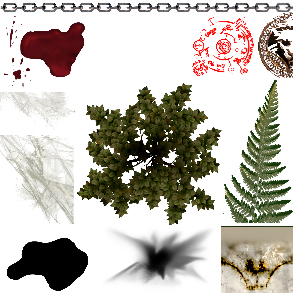
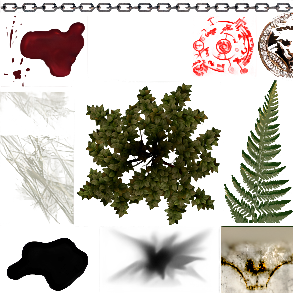
Might try to redo all the scaling with transparency on and using mode 2 with 8 bit transparency.
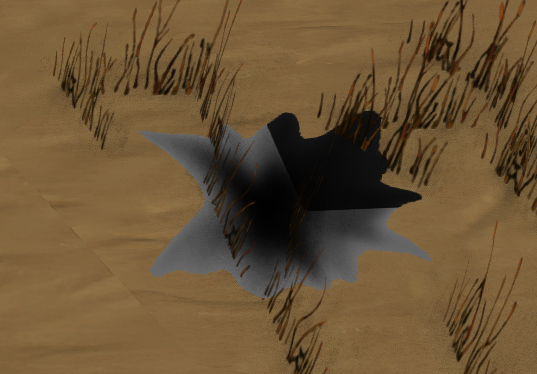
Issues on Blood
Looks weird - transparent! Edit: Found the issue (or at least what it could be) the TGA source I used was beta files which were altered for Final. Probably should redo the TGA source using the game TGA if it is the highest (or equal highest).
Winter Rural - Facelift Tileset Issues
Oddities...but looks like it's the same regardless of texture upscaling! Bad tileset juju, Zwerk has been informed. Not just my system.
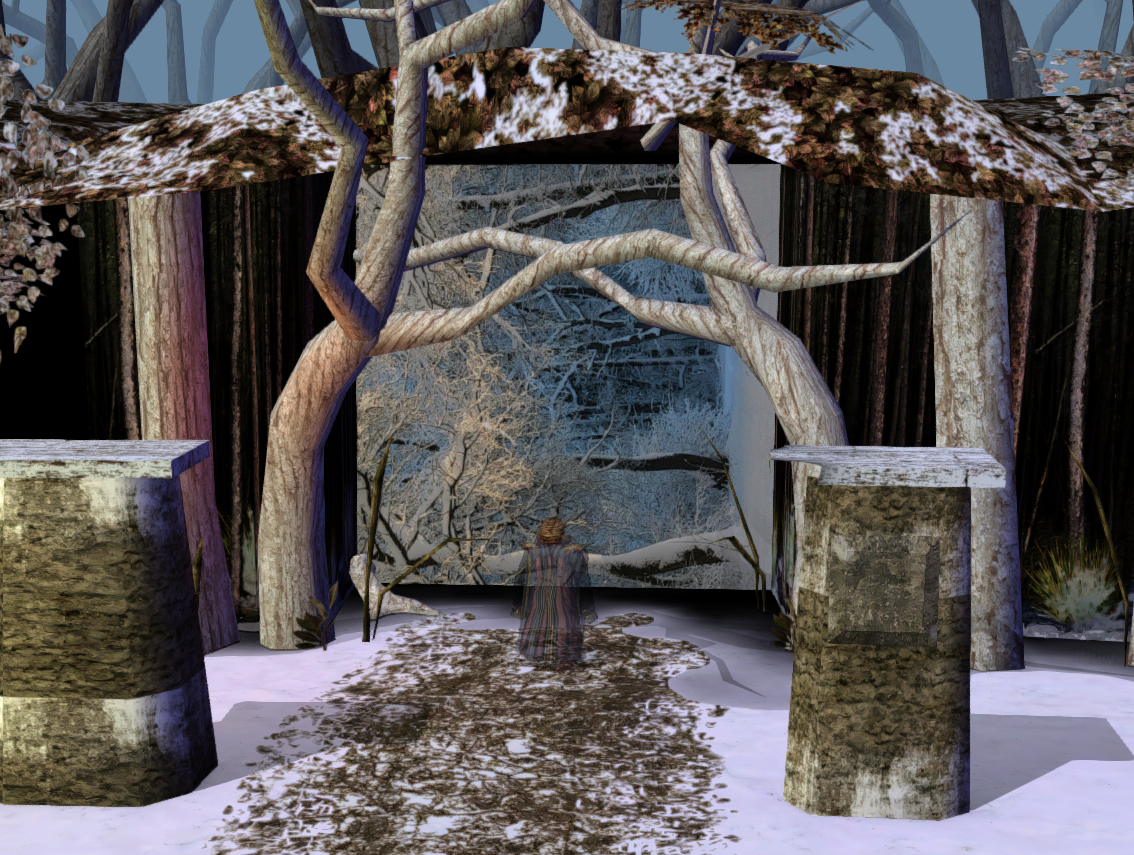
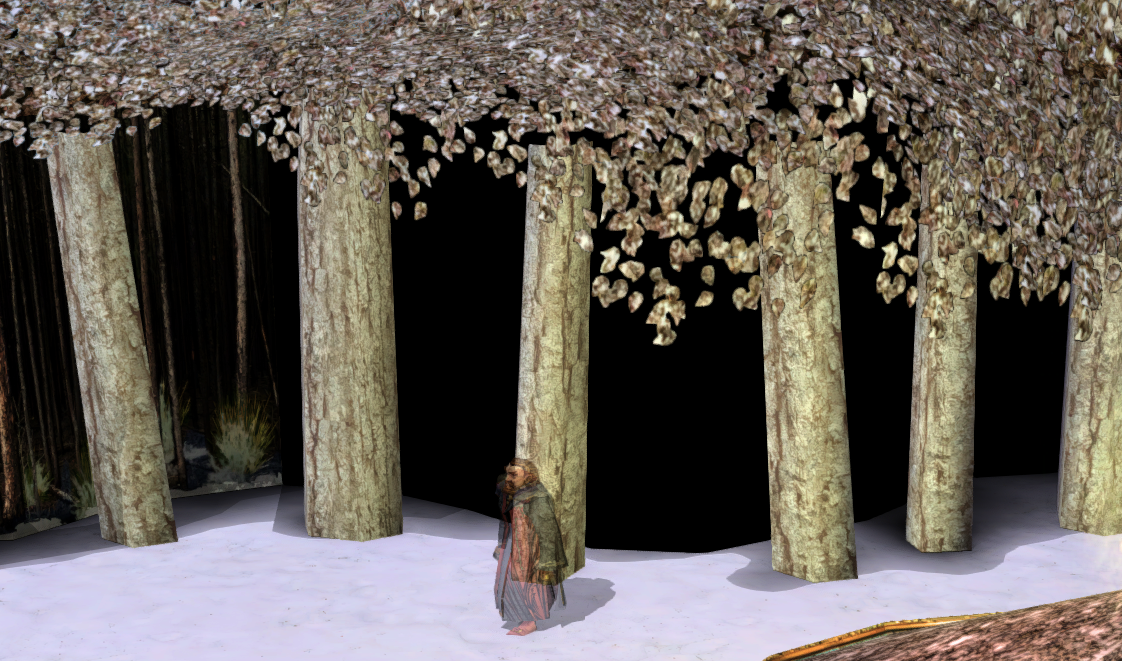
Buggy Icons
Feat Heavy Armor: 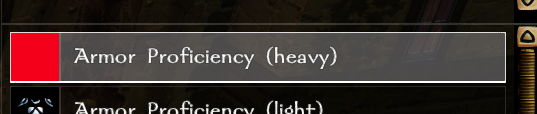
Equip normal hand: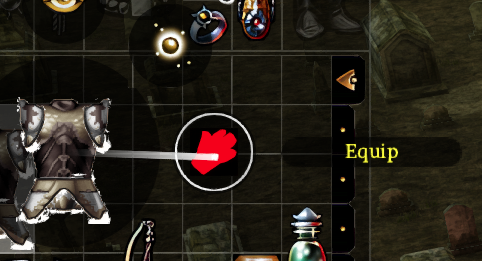
Minimaps
So they do upscale just...not great. Upscaled versus normal - North Road, NWN Chapter 2 top left.
Note the main thing we want to do is have all the bits "line up". secondly having a consistent colour would be nice.
Other options to avoid minimaps:
- Don't bother with them, meh, they look "mappy" anyway (low res "drawings"). Also saves a lot of files.
- This will be the likely first release option! Simply put none of the upscalers can do much with such small source files (usually 16x16 resolution files! egad!)
- Run the tilesets through Blender to produce super high res minimaps fresh
- Need to learn Blender, uh-oh!
- Different upscale - do some kind of much more basic upscale or something that always retains the colours
- TBH what's the point? The games default "scaling" looks fine at that point, if a little blurry.
| Area | Original | BSRGAN x4 | 4x_RealSR_DF2K_JPEG | Notes |
|---|---|---|---|---|
| North Road, Chapter 2 Top Left |
|
|
| The original is fine, but funnily enough itself has some mismatching bits. The BSRGAN is just abstract art in comparison - you can certainly see oddities especially around the road, fort sections and some of the cliffs. The RealSR JPEG works reasonably well. However there are some errors in the trees and some of the clifts nearer the bottom look weird (yes the originals do too but it's more extreme on that image) Note I did test realesrgan-x4plus but it puts some weird outlines on things. Is certainly not for these files. |
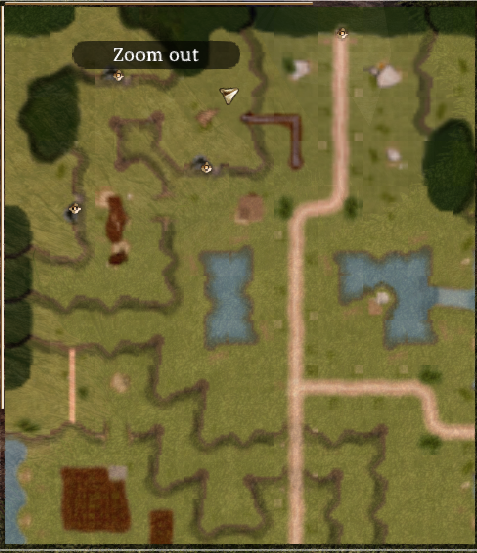
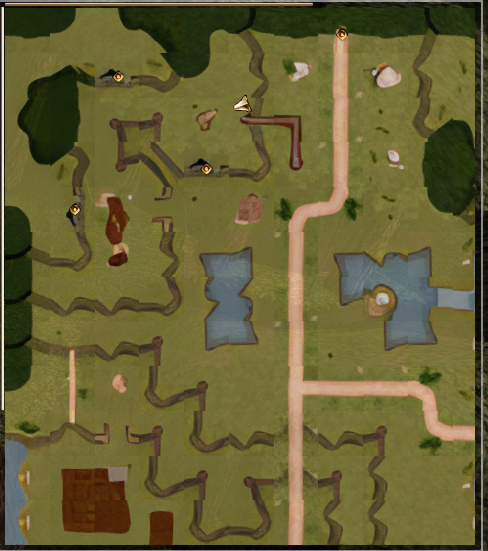
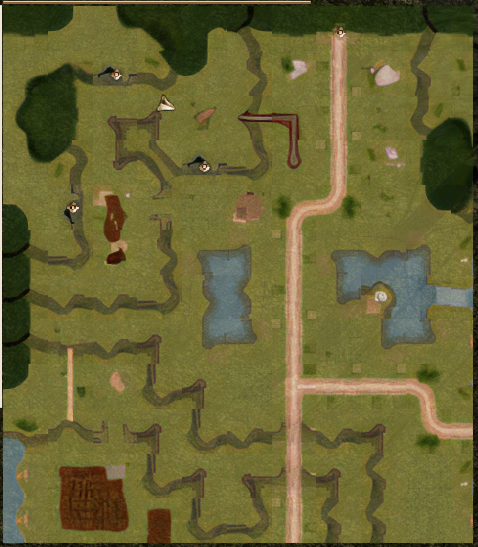
Effect Oddities
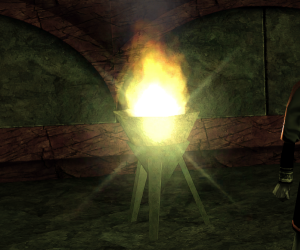
Original / 4x has a weird thing with flares:
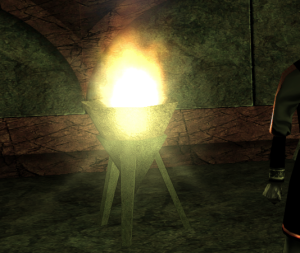
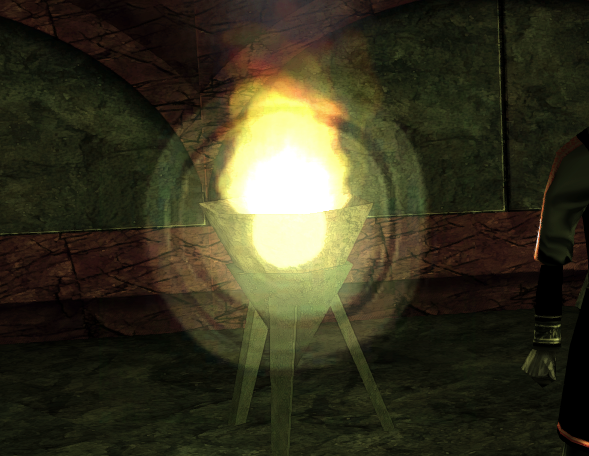
File fixed manually:
- fxpa_flare.tga → Use 4x_RealSR_DF2K_JPEG produces a decent version.
"Fixed" although TBH this flare probably should just go, looks really bad! Might just not "improve" it makes it a lot sharper but the original was soft anyway...
DDS flippy flip
The DDS → TGA in crunch does not flip the file. This means when doing The DDS → TGA in crunch does not flip the file. This means when doing (intermediary upscaled PNG) → DDS you do the opposite of your other textures. The results need to be "upside down" when the DDS file is viewed. It causes some wild issues otherwise, of course!
...
- po_plc_x0_syt_s and po_plc_x0_tyt_t are the same item, no "m" version, and thus misnamed or the only ones. Neither appear in portraits.2da (syt/tyt). Looks to be a destroyed version of po_plc_x0_myt_m.
- Unused due to odd names not sure why they're even there:
- po_pwc_mage_001_
- po_pwc_post_001_
- po_pwc_rubl_001_
- po_pwc_rubl_002_
- po_pwc_rubl_003_
- po_pwc_sand_001_, po_pwc_sand_002_, po_pwc_sand_003_ and po_pwc_sand_004_
- po_pwc_sieg_001_, po_pwc_sieg_002_, po_pwc_sieg_003
- po_pwc_skull_01__
- po_pwc_tabl_001_, po_pwc_tabl_002_
- po_pwc_torc_001_
PLT work
- _002_
- po_pwc_torc_001_
PLT work
Okay this is pretty simple now with Symmetrics tooling:
- Flatten PLTs
- Upscale PLT files
- Likely use JPEG one on the icons but we'll see
- Recreate PLTs
Outcomes:
Looks great this bit!
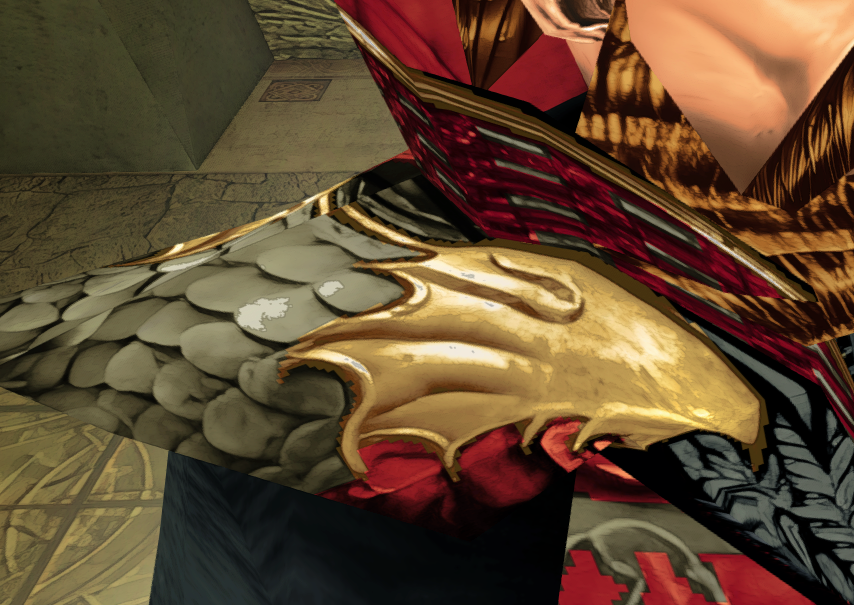
Bit blocky on the colour front here;
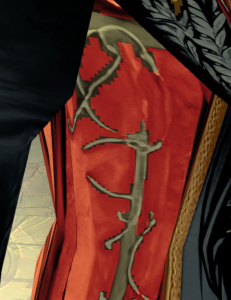
Symmetric is a god and may be able to add some basic magic to smooth it out a bitTo follow - there's a chunk of redoing and actually documenting the process properly this time.