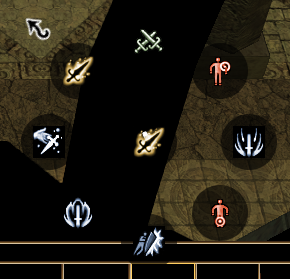
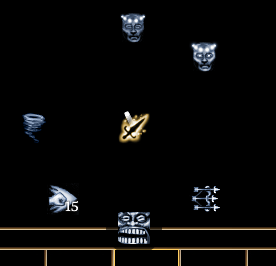
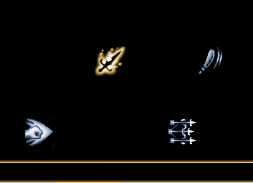
...
Spells are automatically added on each classes spellbook. Several aspects of the radial are hardcoded - eg; the Crafting menu, and DM radial.
| Table of Contents |
|---|
Player Top Level Radial
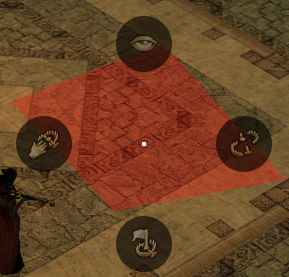
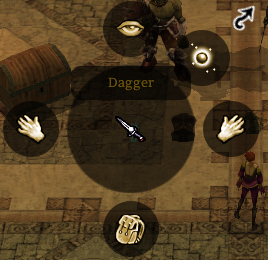
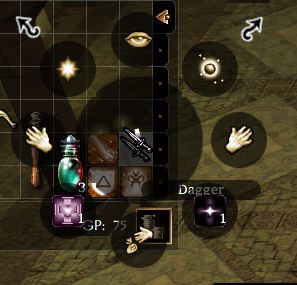
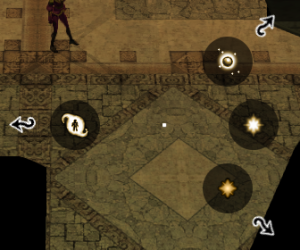
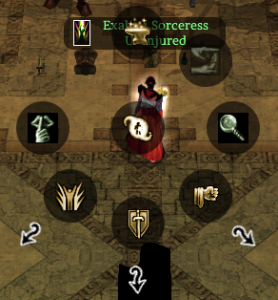
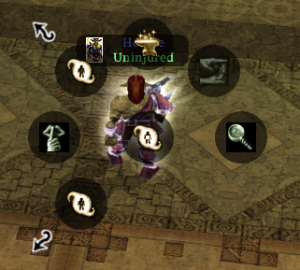
| Context | Picture | Radial Options (clockwise from 12 o'clock) | Notes |
|---|---|---|---|
| Right Click Quickbar Slot |
|
| |
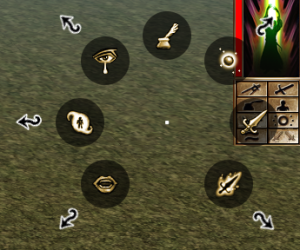
| Right Click self (or top right portrait) |
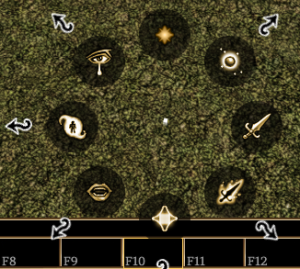
|
|
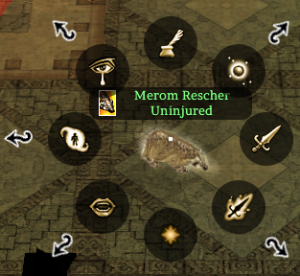
| Cancel Polymorph only if polymorphed. |
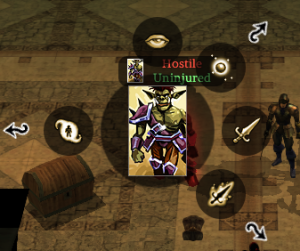
| Right Click Hostile Creature |
|
|
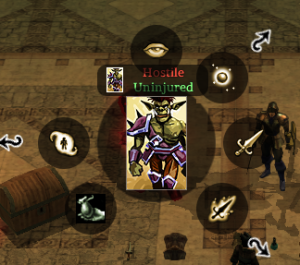
| Pick pocket only appears if you have that skill trained (1 skill point put in during levelup) |
Right Click Neutral Creature |
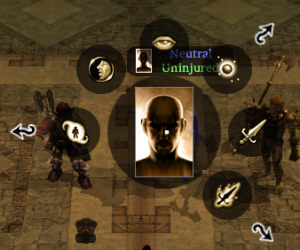
|
|
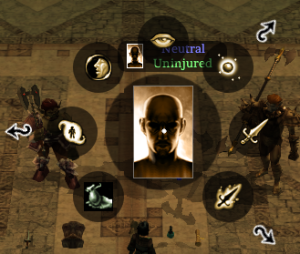
| Pick pocket only appears if you have that skill trained (1 skill point put in during levelup) | ||
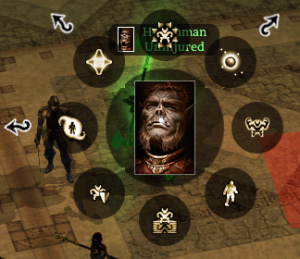
| Right Click Friendly (in party) NPC Creature |
|
| |
| Right Click Placeable |
|
| |
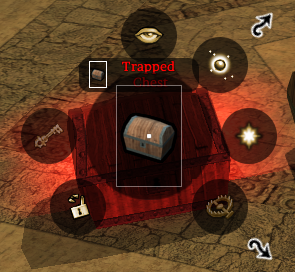
| Right Click (Detected) Trap |
|
| |
Right Click Item on Ground |
|
| |
| Right Click Item in Inventory |
|
| |
| Right Click ground |
|
| "More Actions" is related to surfacemat.2da OnPlayerTileAction stuff |
Cast Spell Menu
...
| Context | Picture | Radial Options (clockwise from 12 o'clock) | Notes |
|---|---|---|---|
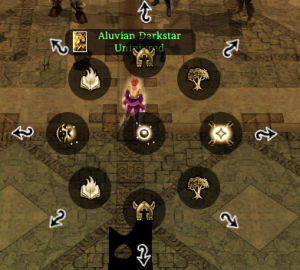
| Top level Cast Spell menu |
|
| Any classes without spellcasting (ie not set as spellcasters in classes.2da) are ignored for the purposes of class 1/2/3. If you don't have any metamagic feats the top 3 radial options are missing. Add one feat they appear. The Epic Spells radial option requires at least one Epic Spell (or a feat set as one as per below). |
| Epic Spells menu |
| This is auto populated by those feats in cls_feat_xxx.2da that are of OnMenu set to 2 | |
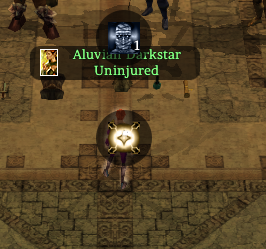
| Spell Special Abilities |
|
| These two are hardcoded and should always appear. |
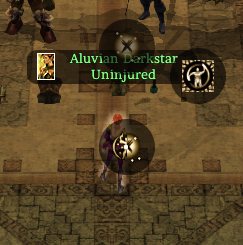
| If polymorphed Cast Spell menu |
|
| This is populated when polymorphed with the SPELL1, SPELL2 and SPELL3 columns in polymorph.2da Since the entire menu is replaced removes radial access to defensive casting and counterspell although the defensive casting can be added to the quickbar and is usable, counterspell cannot. |
Special Abilities Menu
| Context | Picture | Radial Options (clockwise from 12 o'clock) | Notes |
|---|---|---|---|
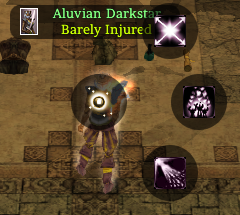
| Top level Special |
| Abilities Menu |
DM possession:
|
| Crafting Skills opens a conversation with the player More Special Abilities doesn't appear unless the creature is DM possessed and say has "Dragon Breath" or set to be able to cast "Fireball, caster level 10, 3 uses" in the creature properties. |
...
Special Attacks Menu
| Context | Picture | Radial Options (clockwise from 12 o'clock) | Notes |
|---|---|---|---|
| Top level Special Attacks Menu |
|
| All are hardcoded - ie if you have the feat they appear, if not it's blank. The "More Special Attacks" appears if you have anything |
| More Special Attacks |
DM has Sap:
|
| Not just expansion feats, Stunning Fist and Rapid Shot are base game. Again hardcoded positions - have the feat → appears, if not → blank. |