...
I've found that Colors → Exposure works well. Put black level to 0.1 (maximum) to keep the blacks and the Exposure upwards, say to 2.0 or so. Going a little higher can really push the whites. Over 3.0 and it tends to white out everything on the example below. 2.0 seems to be fine in game for our purposes.
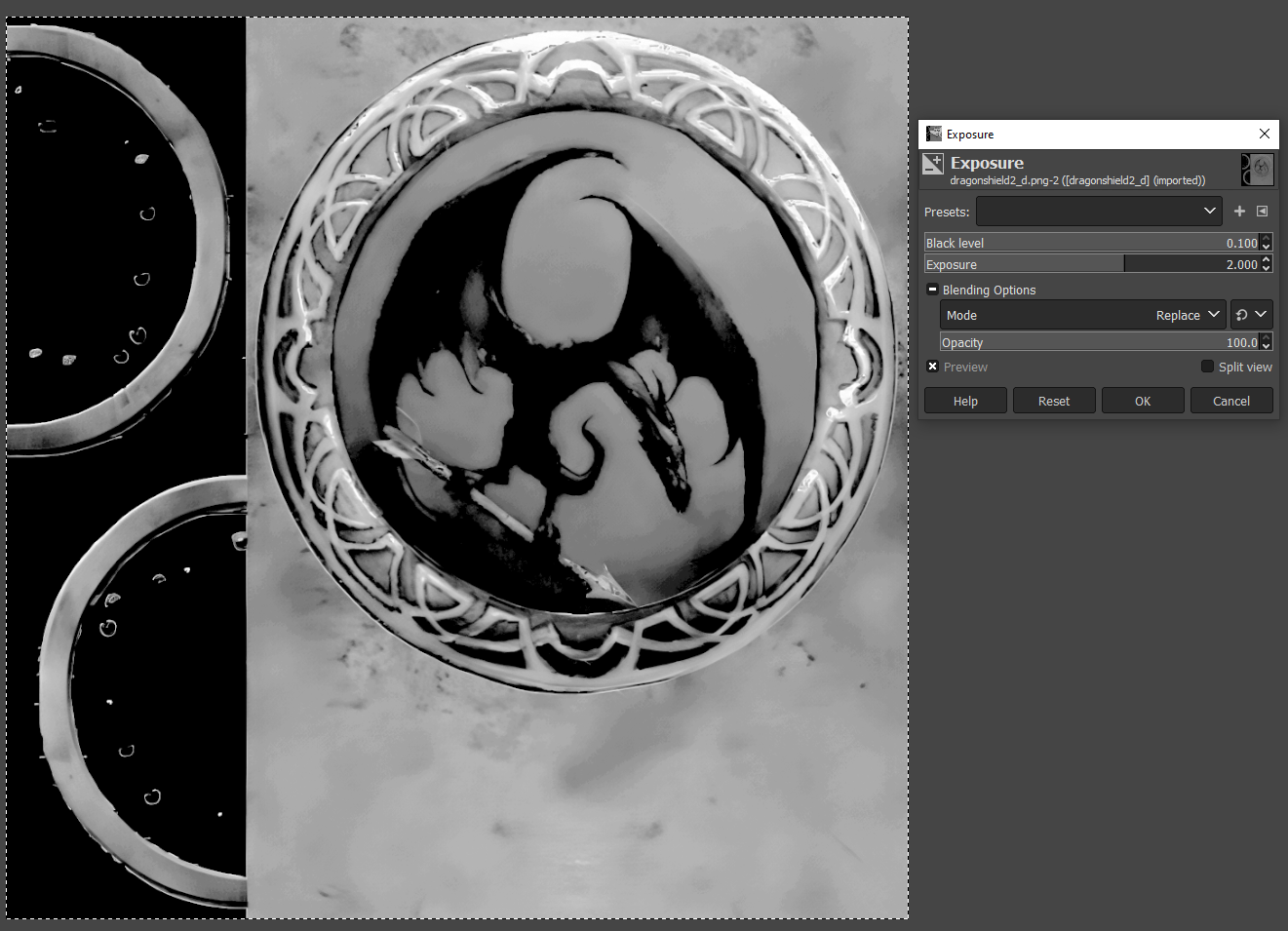
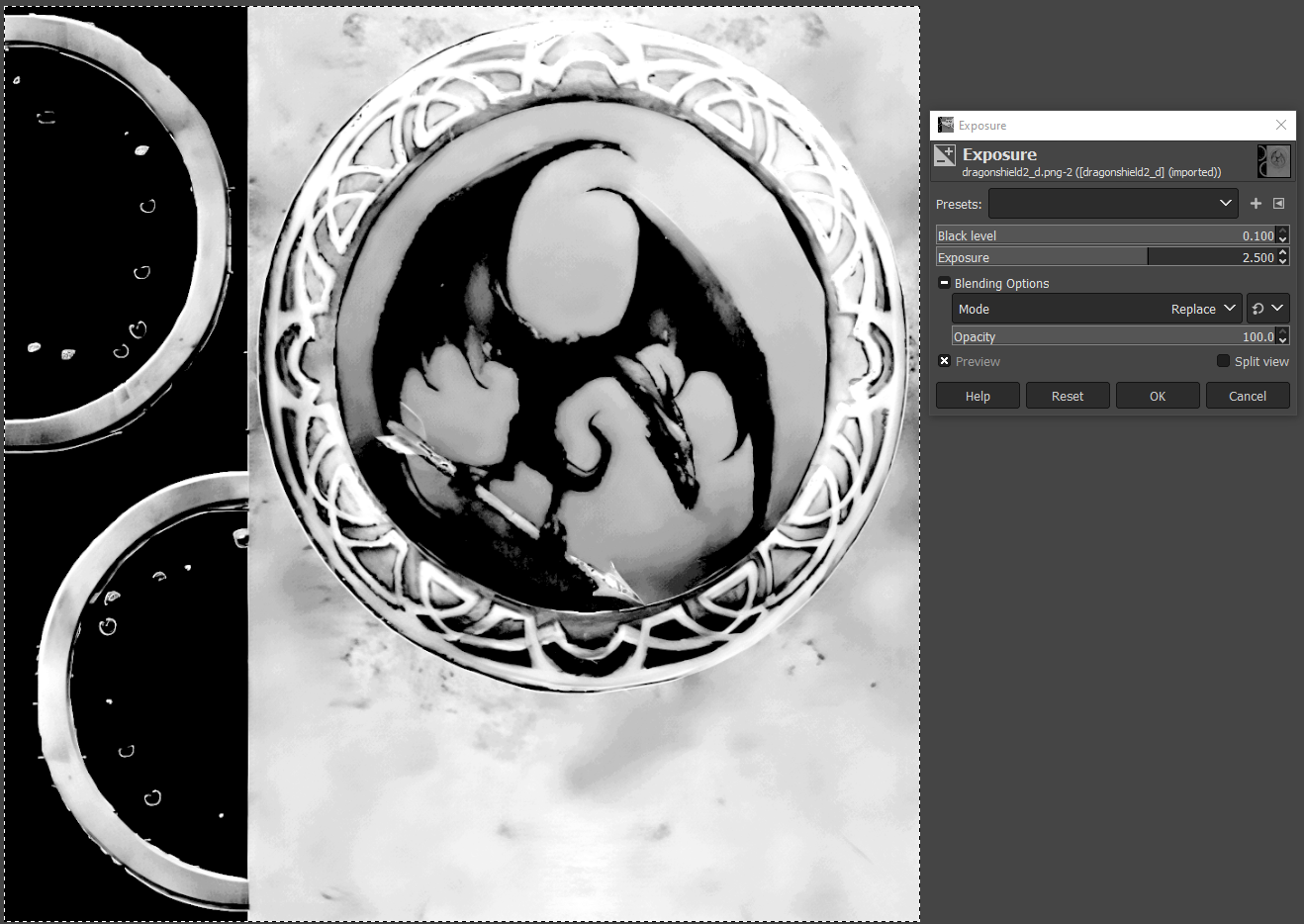
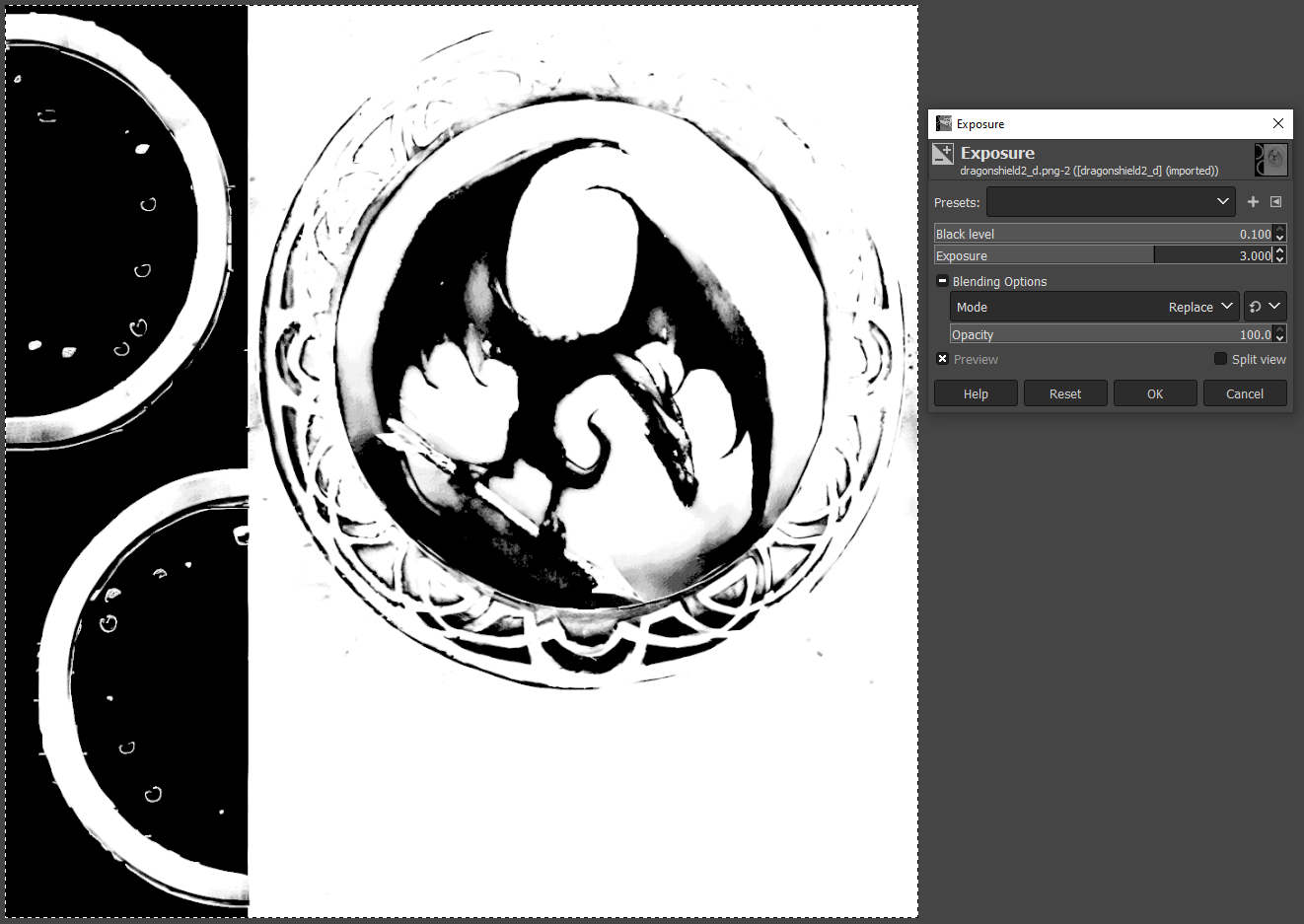
Then Then can delete the alpha layer (or just leave it, doesn't really matter) convert with Crunch and bingo (here with a normal map from Shadermap 4):
...