...
| File | Source | Alpha Mode 1 (Differential Alpha) Alpha Depth Full (8-Bit) | Alpha Mode 2 (Separated Alpha) Alpha Depth Full (8-Bit) | Alpha Mode 3 (Channel Alpha) Alpha Depth Full (8-Bit) | Notes |
|---|---|---|---|---|---|
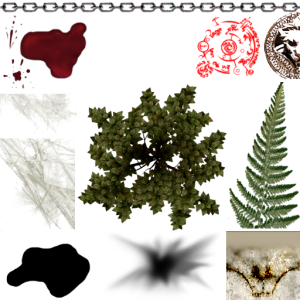
plc_trans.tga Used in model "Scorch Mark" and "Bloodstain" placeable. |
|
|
|
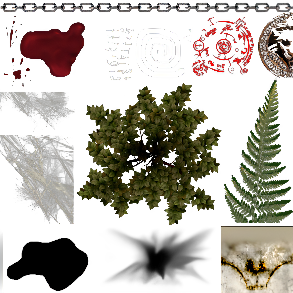
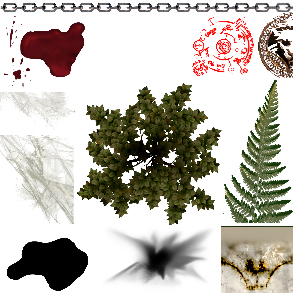
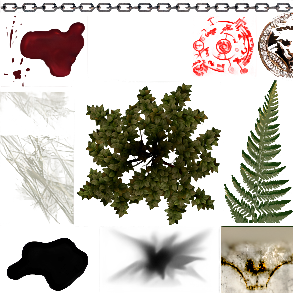
| More obvious inside of Cupscale (with the squares background). Mode 1 differential: This makes the left hand "web" quite transparent (actually more noticeable in cupscale). It also alters the colour of the red symbol to be very dark red. Mode 2 separated: This seems to be the best balance and colour representation. The alpha around things isn't as extreme, only thing is the top right wolf symbol has a fair bit of white around its now more apparent edges Mode 3 channel: This seems to messy up the detail of the textures. The red symbol especially is a complete blurry mess. Problem: In game mode 2 doesn't seem to work so well:
Also messes up the bloodstain somehow...makes it look like a blast mark??
Problems previously here are null and void - was due to Low Violence setting (and the letters scaling was just always the same for whatever reason). |
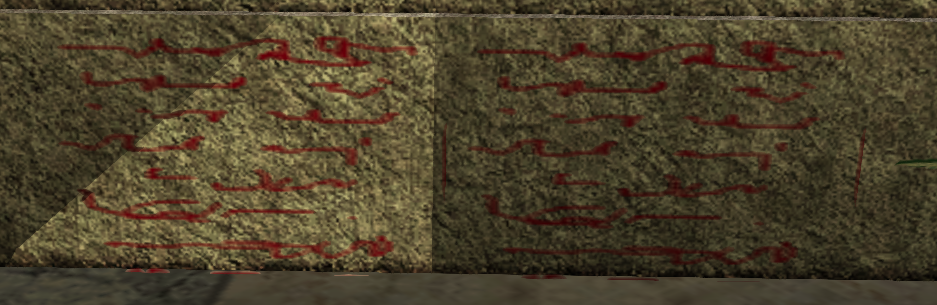
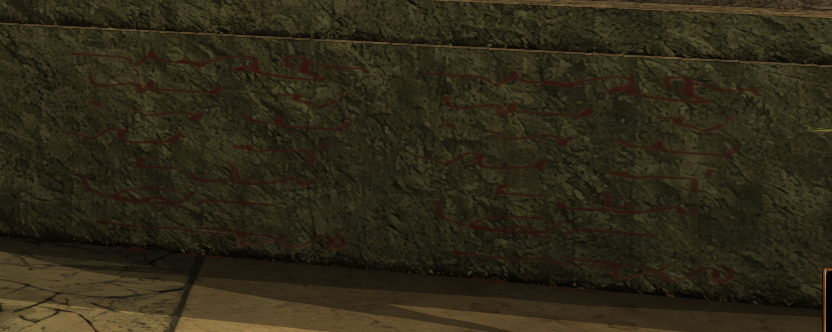
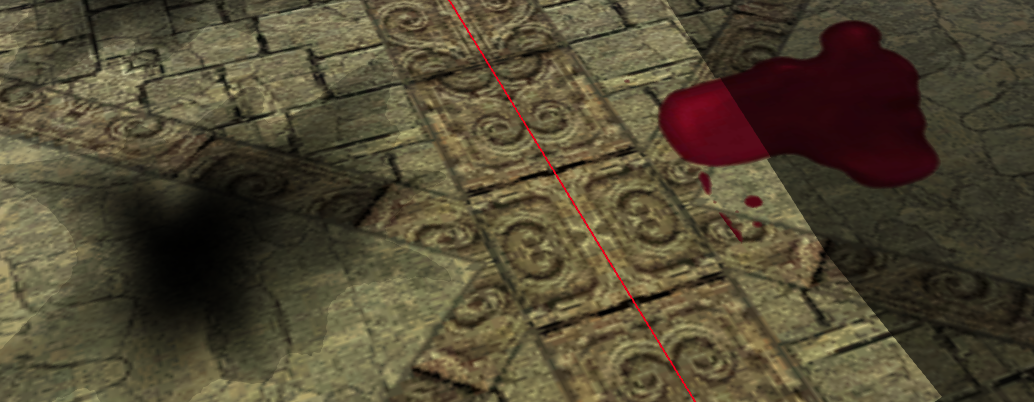
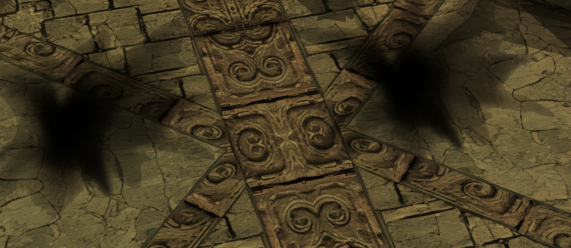
Might try to redo all the scaling with transparency on and using mode 2 with 8 bit transparency.
Issues on Blood
Looks weird - transparent! Edit: Found the issue (or at least what it could be) the TGA source I used was beta files which were altered for Final. Probably should redo the TGA source using the game TGA if it is the highest (or equal highest).
...