...
The first point in the generated polygon is the location returned by GetLocation when used on the object.
You can copy and paste placed encounters (which copy any edits made); blueprints then can update every instance of them by selecting Update Instances under Advanced.
Spawn Points
The spawn point is optional (but highly recommended). If not placed it should "spawn them outside of LOS", but on further testing this could mean as little as being directly behind the player ("nothing personnel kid").
...
If placed outside of walkable areas, it seems to default back to trying to spawn things as if no spawn point was used (ie; directly behind the player!).
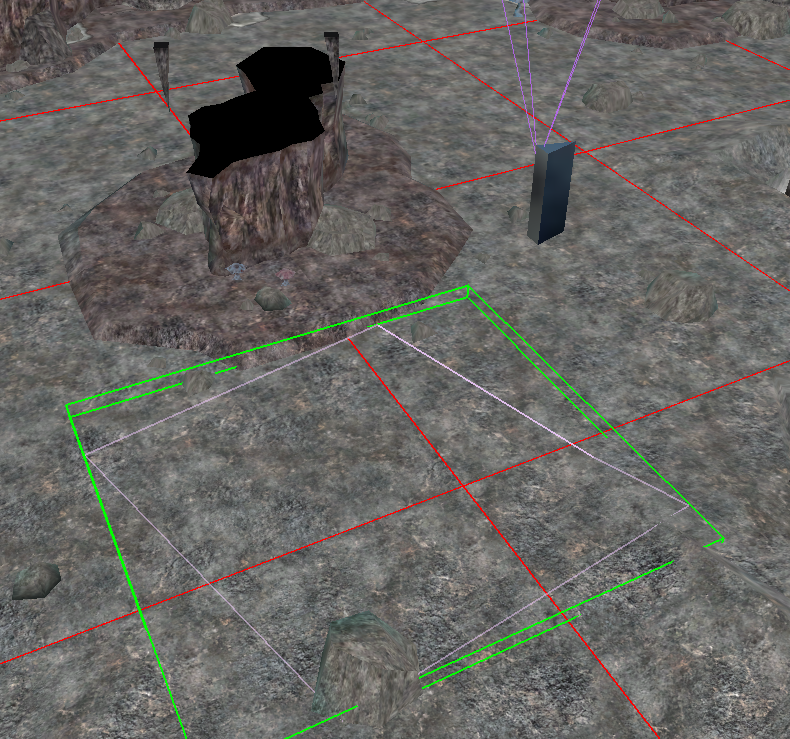 You can copy and paste blueprints (which copy any edits made) and blueprints can update every instance of them by selecting Update Instances under Advanced.
Encounter Blueprint Creation
...