...
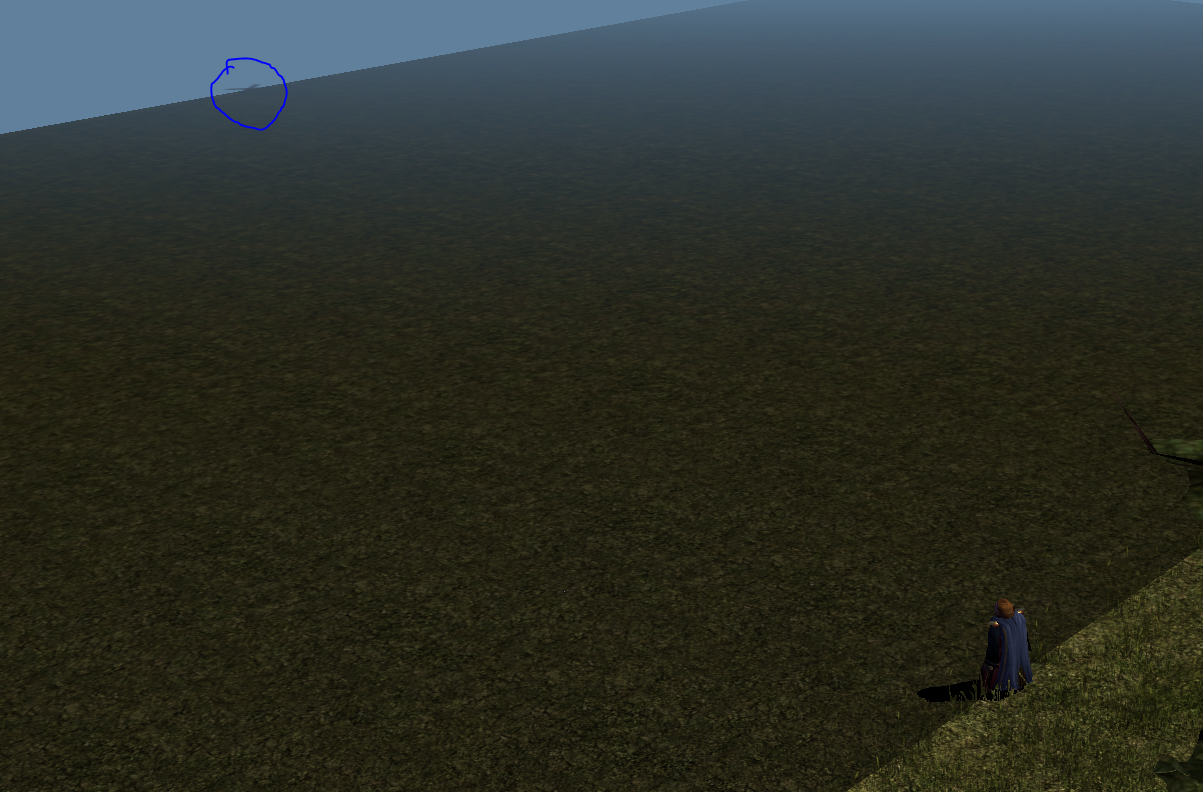
Did you know? There is a way you can get placeables to be outside the map bounds and still load in the game. The map bounds extend for 5 tiles away from the playable area, replicating the tile closest to the edge.
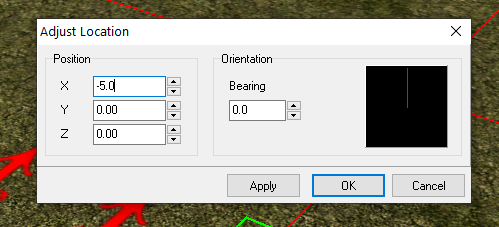
To do this use the Adjust Location option on a already put down placeable that is static. This allows you to select coordinates outside the map boundaries and press enter to save.
...
Example: Select Adjust Location by right clicking a placeable. In one of the X or Y boxes set, say, a negative value of -5.0. Press Enter and poof it appears outside. Experiment and as always you can convert an area to code to set the locations of things independently of the toolset.
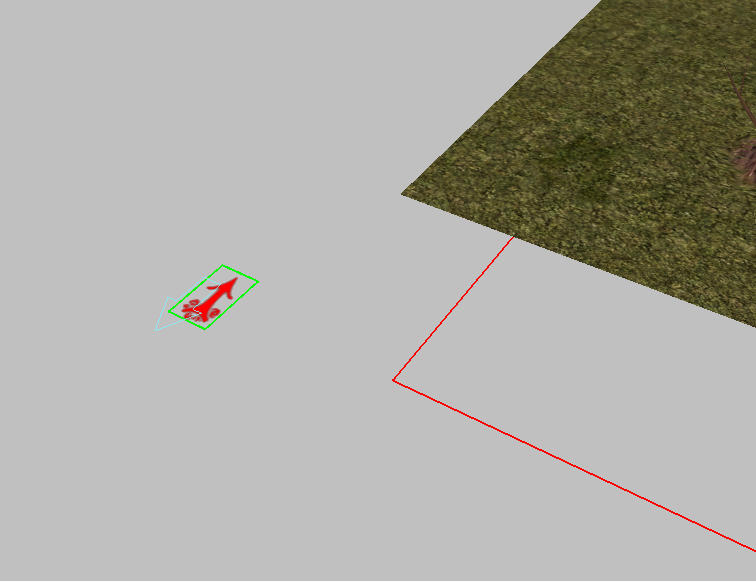
Example of a placeable set to -50 meaning the edge of any visible boundary. Usually players can't see this far unless the fog distance is increased.