...
You can also for free generate via hosted app online a few 3d models from 2d image using the same 3d generator you can install locally to try it first using the same Hunyuan3D-2 AI model generator using this online tool called huggingface space: https://huggingface.co/spaces/tencent/Hunyuan3D-2 Use the advanced section to open and control the model generation settings.
Be aware that Hugging face site model generator is basic compared to local install ComfyUI. You are not able Local install allows you to control the faces poly count, the texture resolution and other important settings. After three models generated per day with the hosted version then you have to pay credits to use it. The free online huggingface can produce very good models with textures so dont discount it. If you have a 6GB+ vram nvidia Nvidia card and 24 gb ram then you can generate better looking 3d models on your pc in a few mins. The results are much better with ComfyUI as you have full control to chose higher quality output. You can batch produce many 3d models with different settings. (and its all free).
| View file | ||||
|---|---|---|---|---|
|
...
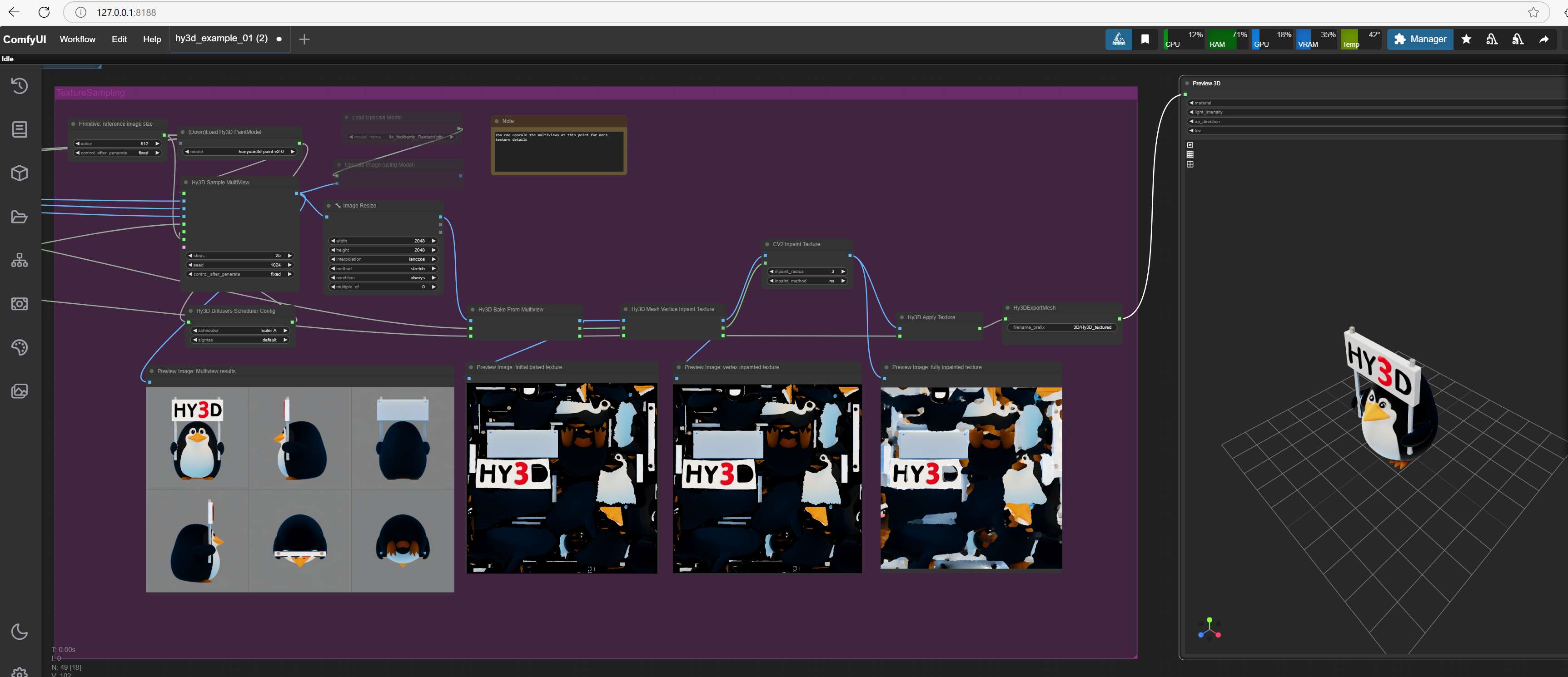
ComfyUI and its AI model generators allows you to supply a 2d image or text description and it will generate the model with texture with UV map ready to be imported into blender.
The AI will figure out what the other side of the image looks like as a 3d model.
There are additional plugins to Comfyui to add in PBR image processing when you create the model. (PBR plugins not covered by this intaller)
ComfyUI can generate models that have low poly faces 5k or high poly over 250k. The image texture output can be controlled using settings so that better image quality can be achieved. Up to 2k upscaled and deatailed textures can be produced for your model.
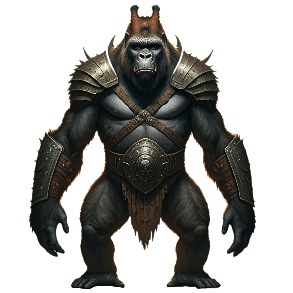
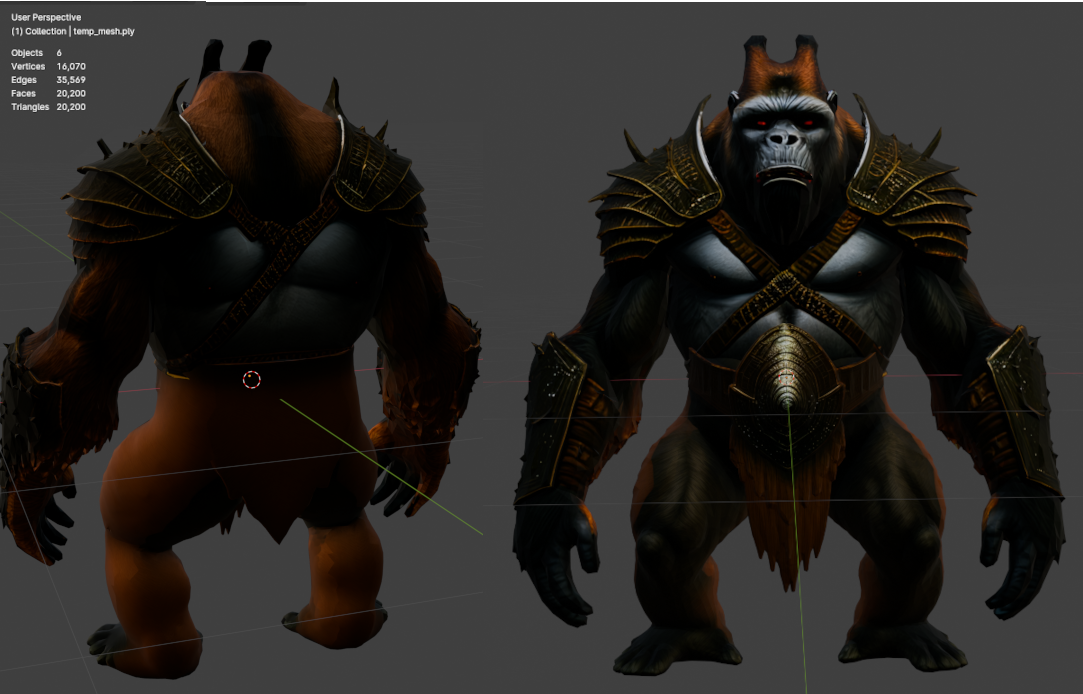
You can see an example of the gorilla 2d image used to 3d generate the model and then loaded in blender with faces stats. You can import this sample HY3d_00118.glb file into blender to see the 3d quality possible it can generate.
This sample gorilla model created you can download and import into blender was set to generate model with 10k faces and 2k texture. You can in ComfyUI choose what poly limit and texture size you want when you generate.
The picture of the 3d gorilla in blender is has 20k faces and was made of by cutting the image into two parts to create two meshes (top and bottom from the belt) of from 10k faces each and the then stuck together in blender. This makes it easy to create meshes for optimization and reduces 3d modeling time. Nwn mesh limit is about 10k faces per mesh.
High quality high poly models can be produced and also low poly models that also look good.
NOTE: To get good 3d model/texture results you need to change a few default settings: like num faces, octree rendering, steps count, texture size, delight settings (controls light and color), upscaler 4x on and texture memory renderer.
NOTE: You dont have to create any workflow or program anything its just a those few parameters to tune for your pc hardware and then you convert 2d image to 3d model in 1 to 3 mins per model as many as you want in batch also possible depending on your pc hardware.
You can extend the workflow with other things like PBR and better upscalers to improve the image further. Being open source there will be new things added in the future.
Using ComfyUI automatic installer with Hunyan3d Comfui workflow
...